
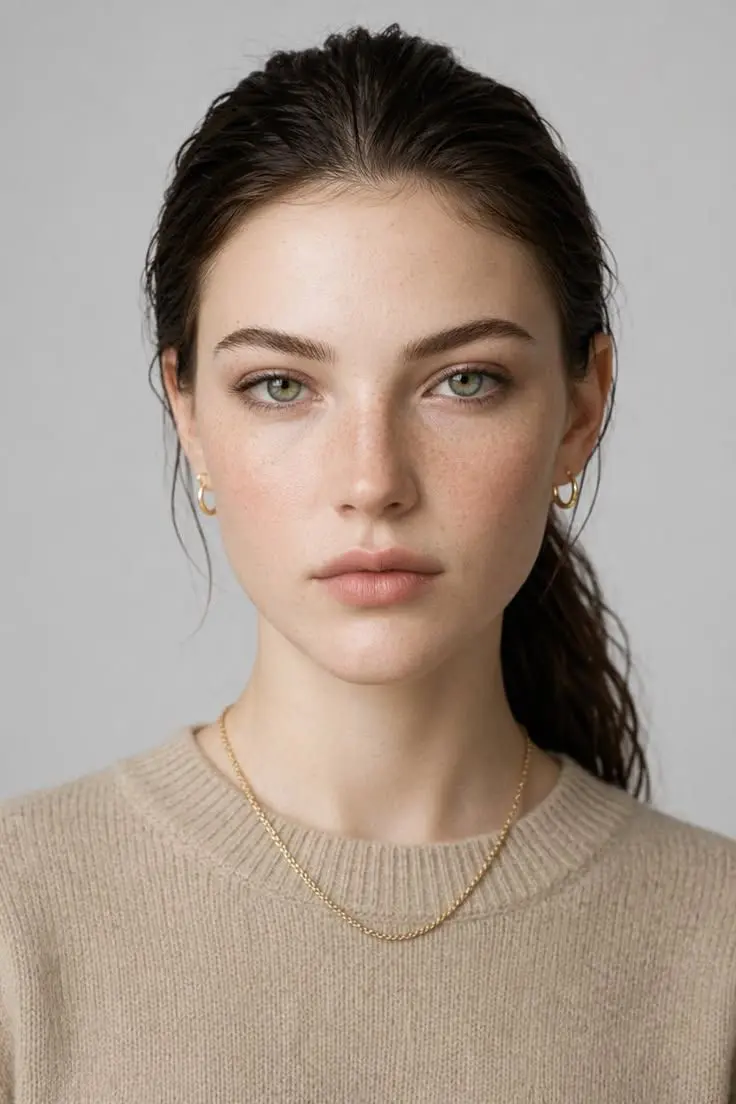
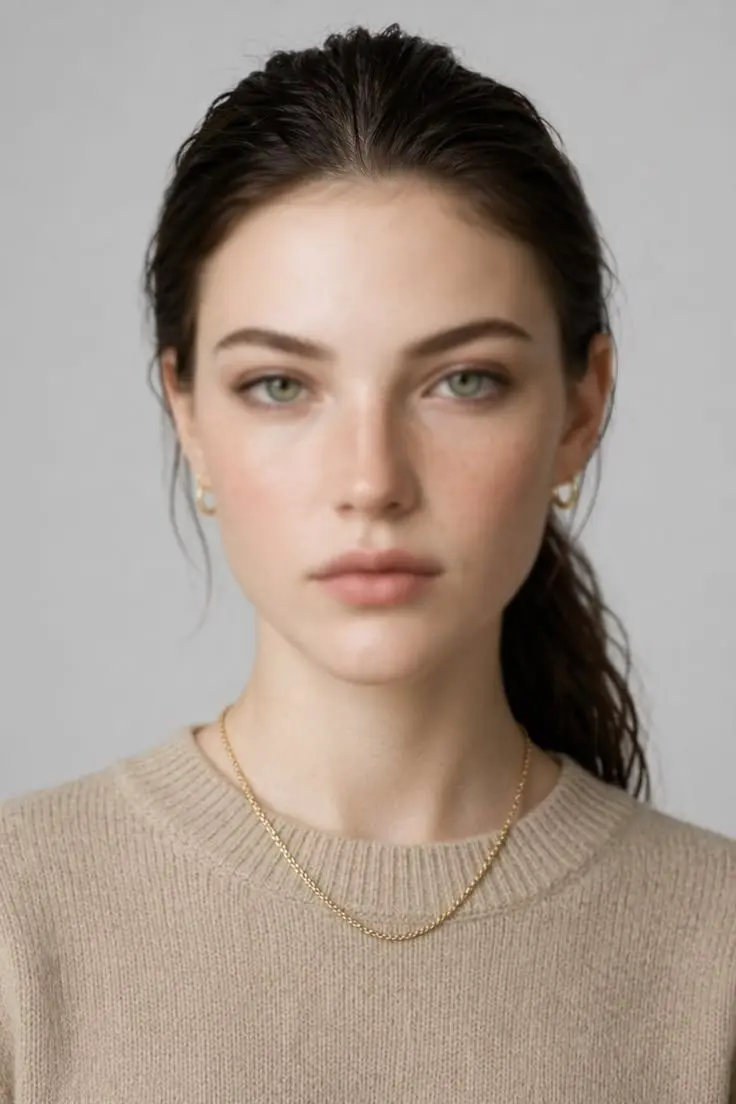
Face Enhancer
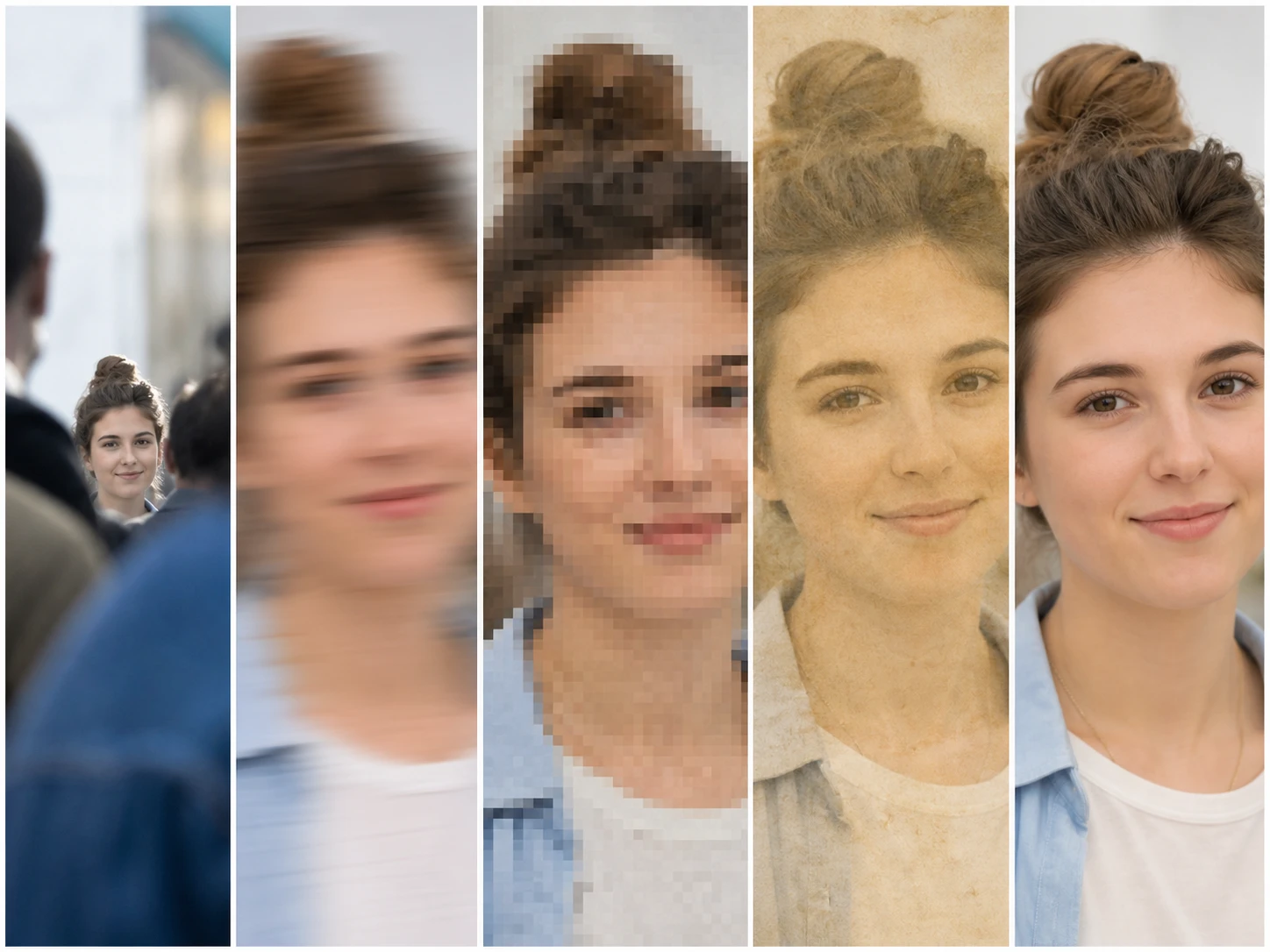
A blurry face is not one problem, so the Face Enhancer from Enhancer.video reads where the detail went first: a crop from a group shot has the least left, a handheld or misfocused shot still holds the edges, a forwarded screenshot shows blocks not softness, and a generated face never had the real skin texture at all.
Who Holds A Photo Like This
You only have a crop
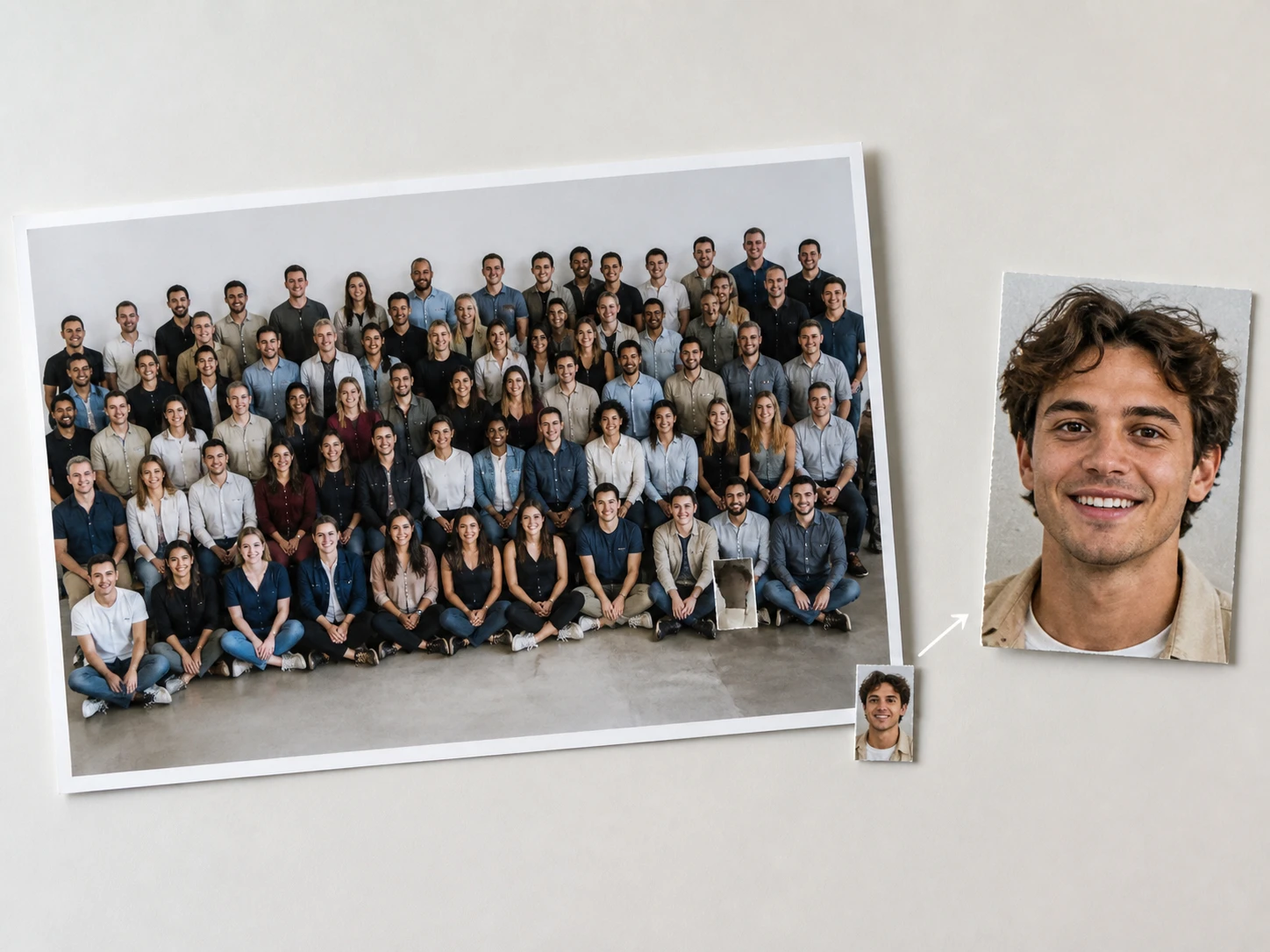
The face you care about was cut out of a bigger picture, a group shot, an event photo, a distant candid. The question was never how well the Face Enhancer can fix it but how little was there to begin with, since a low resolution face holds only so much. Reading that first tells you what to expect before you spend a run to sharpen portrait detail.
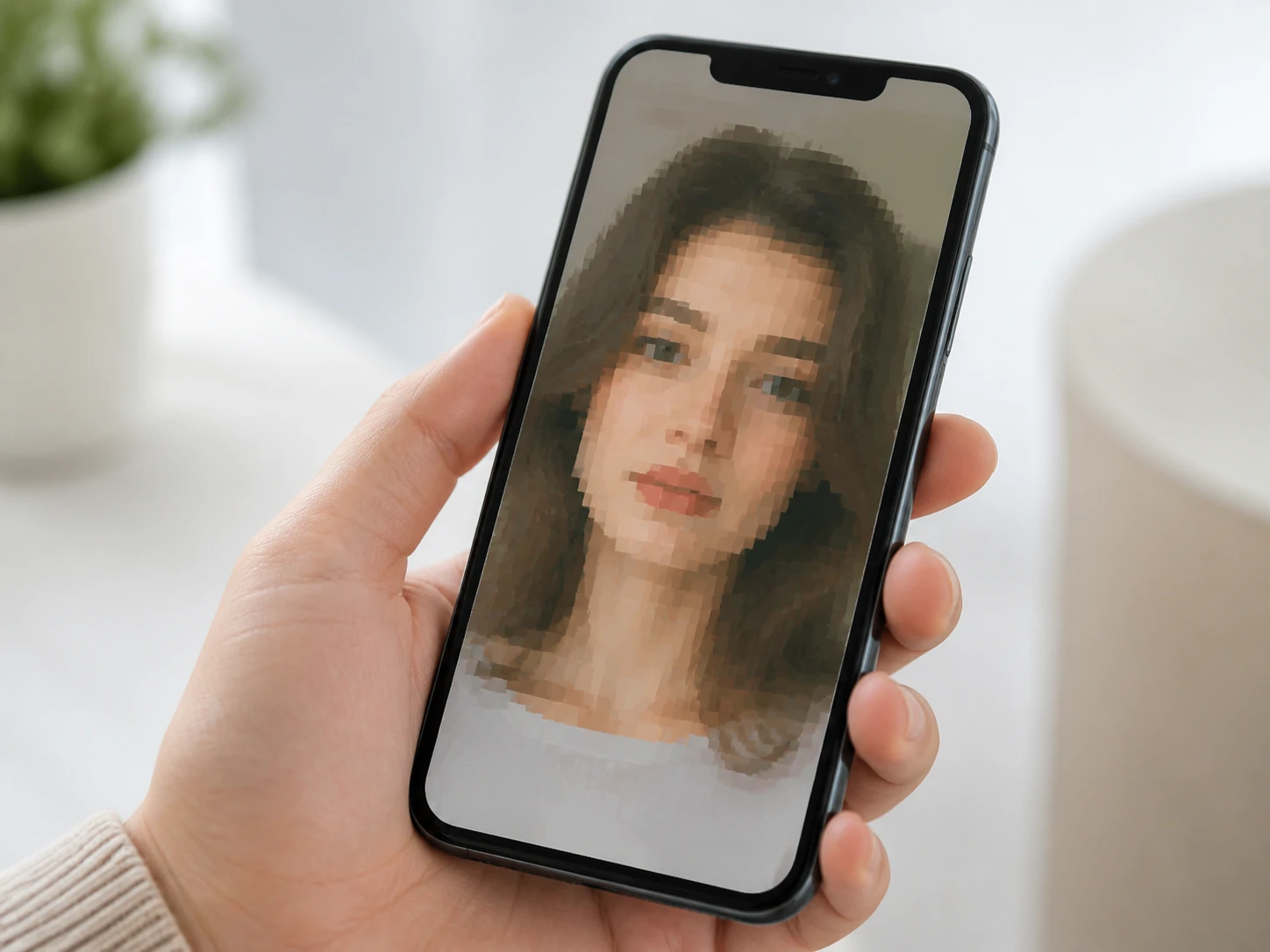
The photo reached you second hand
The shot you saved from a family group chat, a message thread or a social feed passed through several handoffs before the Face Enhancer ever sees it. Knowing which generation you are holding is the thing that tells the Face Enhancer what to expect, because a blurry selfie saved four times over has far less to give than the original ever did.
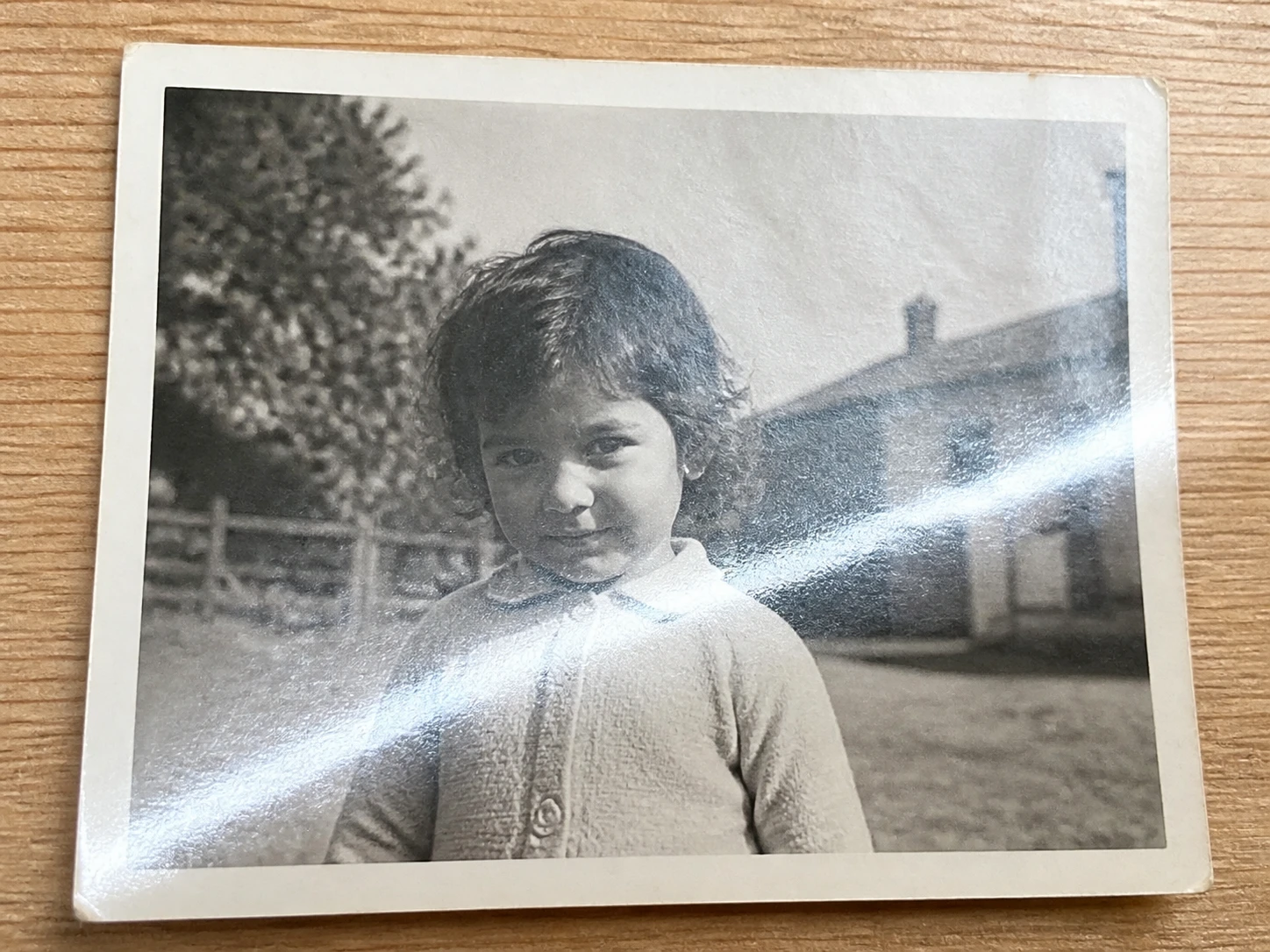
You copied an old print with a phone
The old photo never went to a scanner, you held a phone up to it instead: glare, a little shake and the paper grain all get added by that copy step, and the face is usually the smallest patch the Face Enhancer meets in the whole frame. This is where scanned photo restoration meets a rephotograph that has quietly stacked one more layer for the Face Enhancer to read.
Inside This AI Face Enhancer
Each card names one kind of face damage and how far this face enhancer can honestly take it.
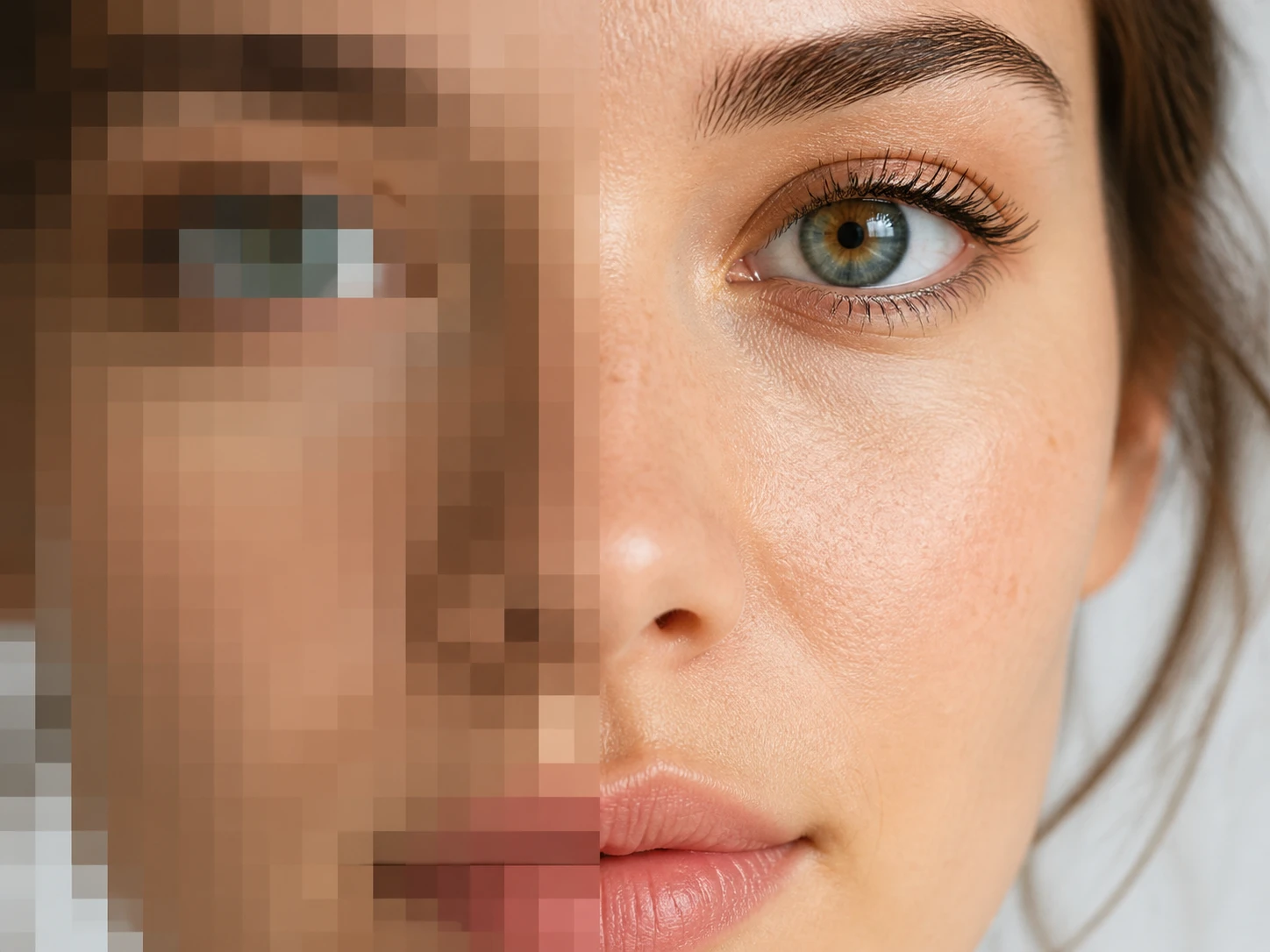
How Small The Face Sits
A face cropped from a group shot, caught from far off or shrunk several times is only a few dozen pixels wide in the file, and how well you enhance face detail there is bounded by what was recorded, not by how hard the Face Enhancer pushes. When the detail is not in the file, what comes back is a rebuild in keeping with this face, not an hd face the shutter never caught. This is the lowest headroom kind, said plainly.
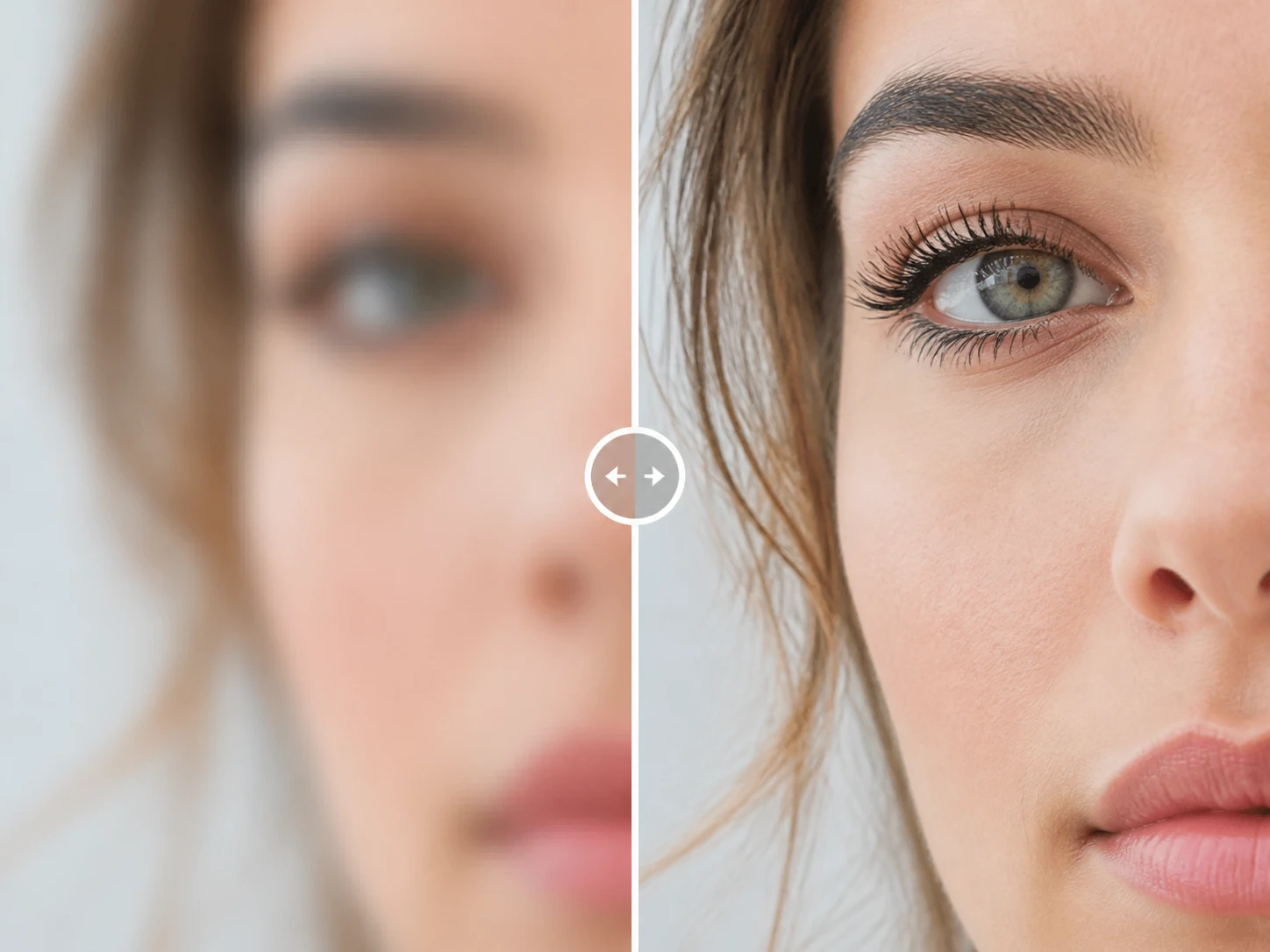
The Edges Are Still There
Handheld shake means the camera moved during the exposure, a missed focus means the focal plane fell behind the face, a soft lens means there was never much contrast, and these share one thing: the feature edges are still in the file, just blurred together. Pulling them apart is exactly what this ai face enhancer does, which is why this is the kind with the most to talk about.
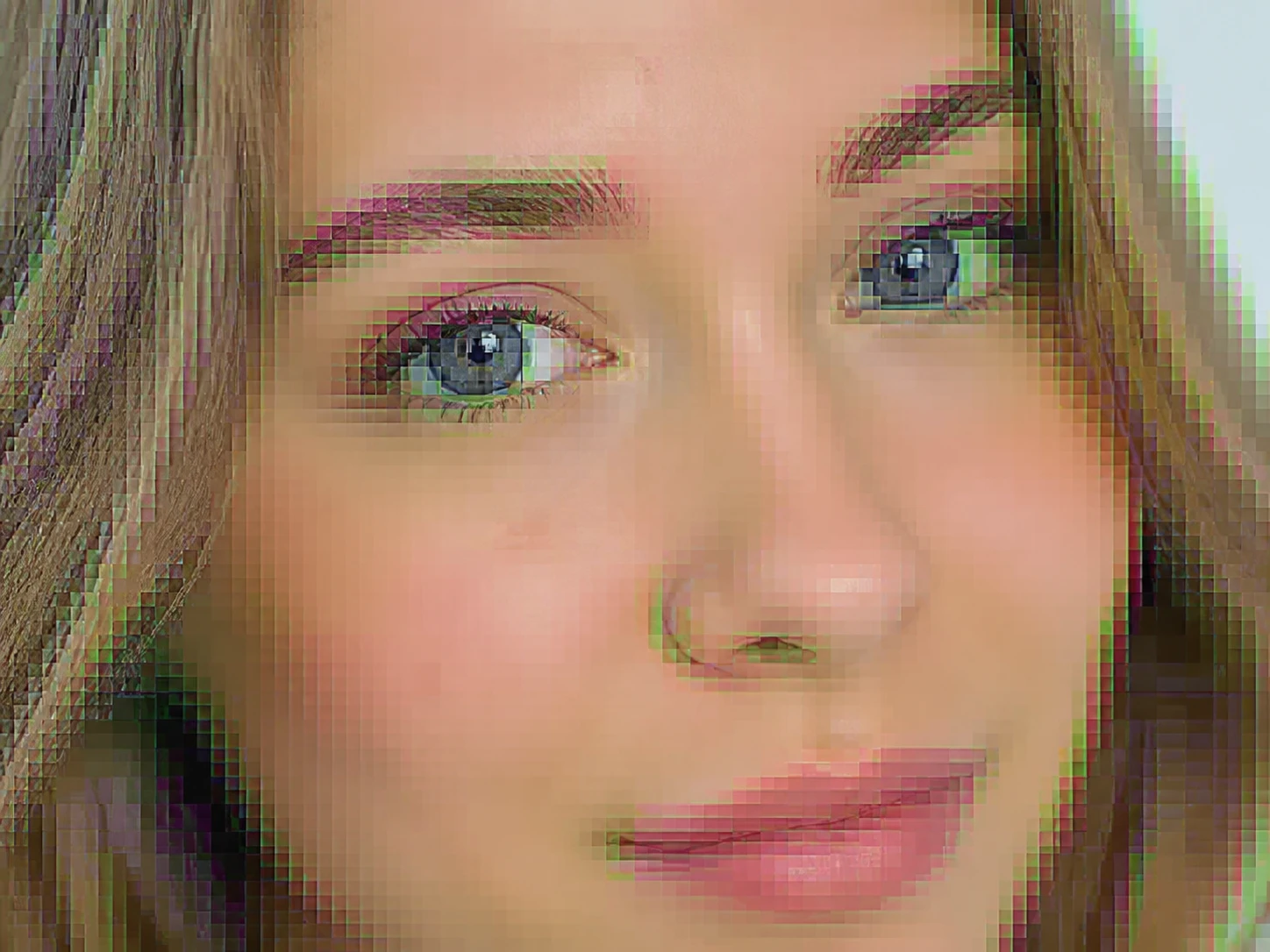
Forwarding Leaves Blocks, Not Softness
Send once, save once, screenshot and send again: every fresh save drops a little high frequency out of each block, and what stays on the face is square edged blocking and dirty color fringes, not a gentle blur. Flat skin areas fall apart first, and how many handoffs deep the file is decides how much a photo face enhancer has left to work with here.
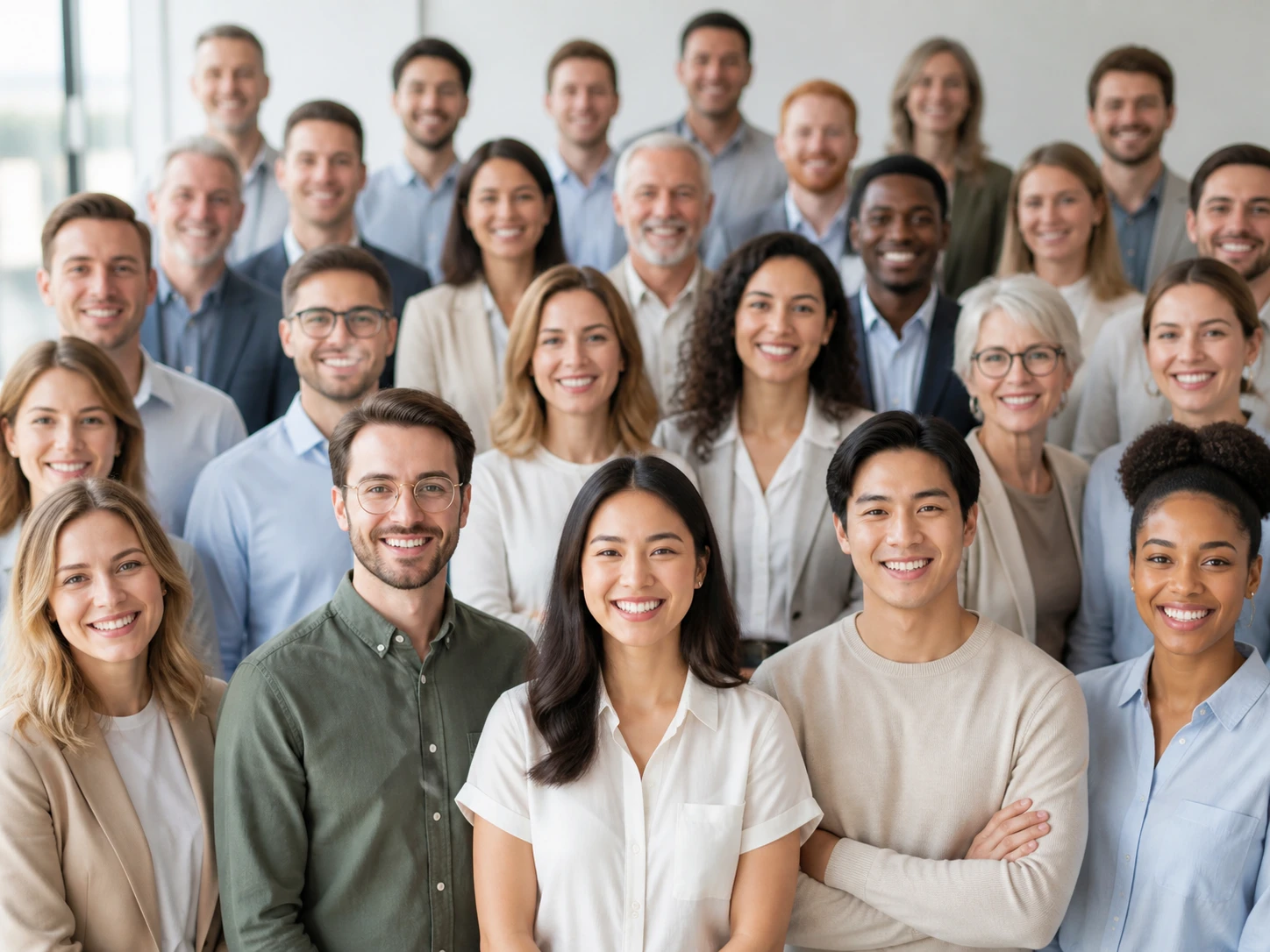
One Group Shot, Uneven Headroom
The Face Enhancer inside Enhancer.video finds each face in the frame and rebuilds it on its own, but the front row and the back row never held the same amount on the negative, so they are not the same job. Running a group photo enhancer well means each face comes back to its own limit rather than to a single shared setting, and the smaller faces simply have less to give.
A Face Enhancer That Reads First
Read what you are holding first, let the Face Enhancer rebuild the soft faces, then take back the result or read a low headroom photo again.
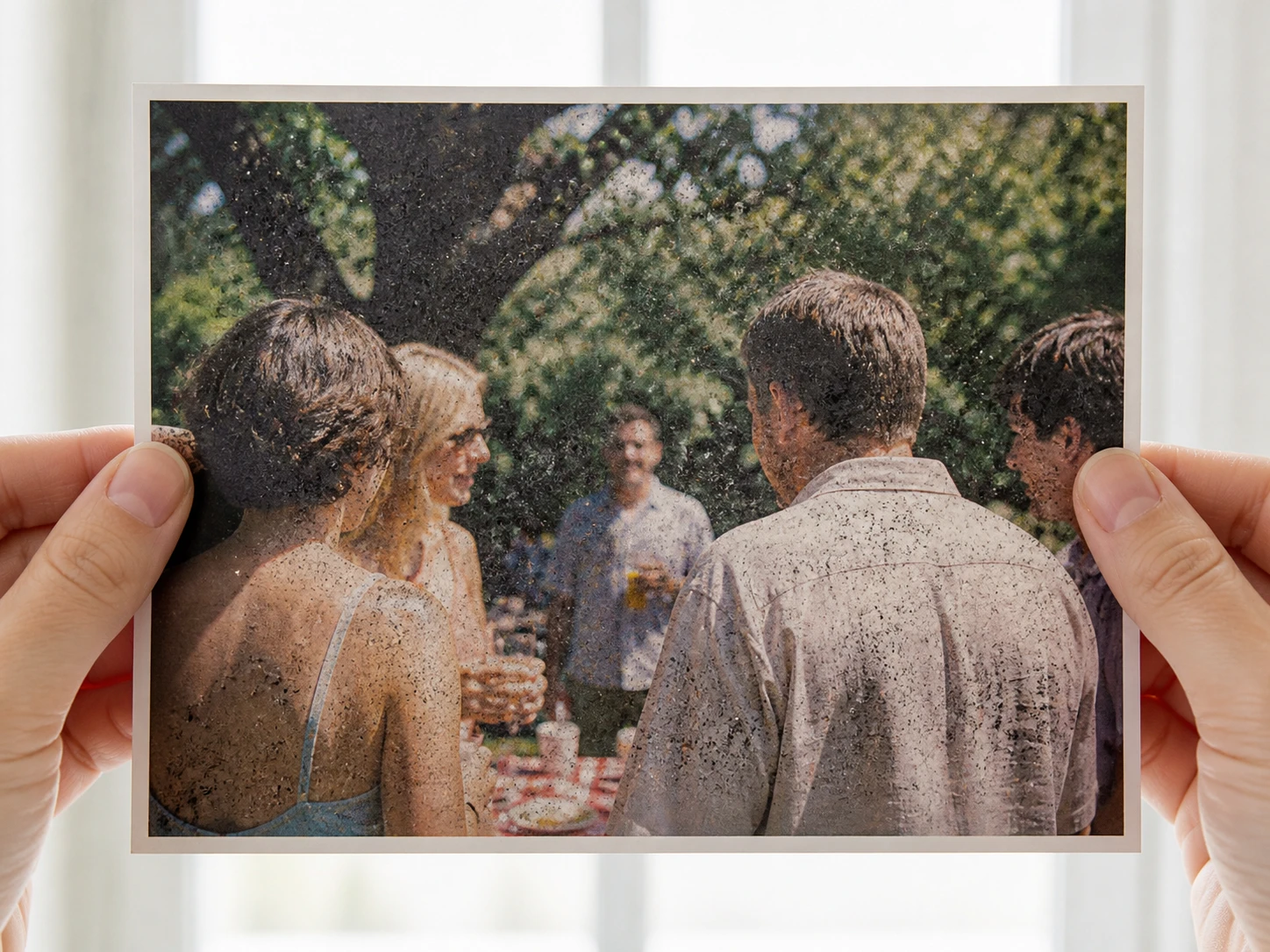
Read The Photo You Hold
Before anything uploads, look at three things: how big the face sits in the frame, whether it went soft at capture or after a few forwards, and whether the dark specks are noise rather than blur. Those three answers decide whether the Face Enhancer is worth running on this one. Then drag it in as JPG, PNG or WEBP, several at once if you like, and the Face Enhancer runs in the browser with nothing to install.
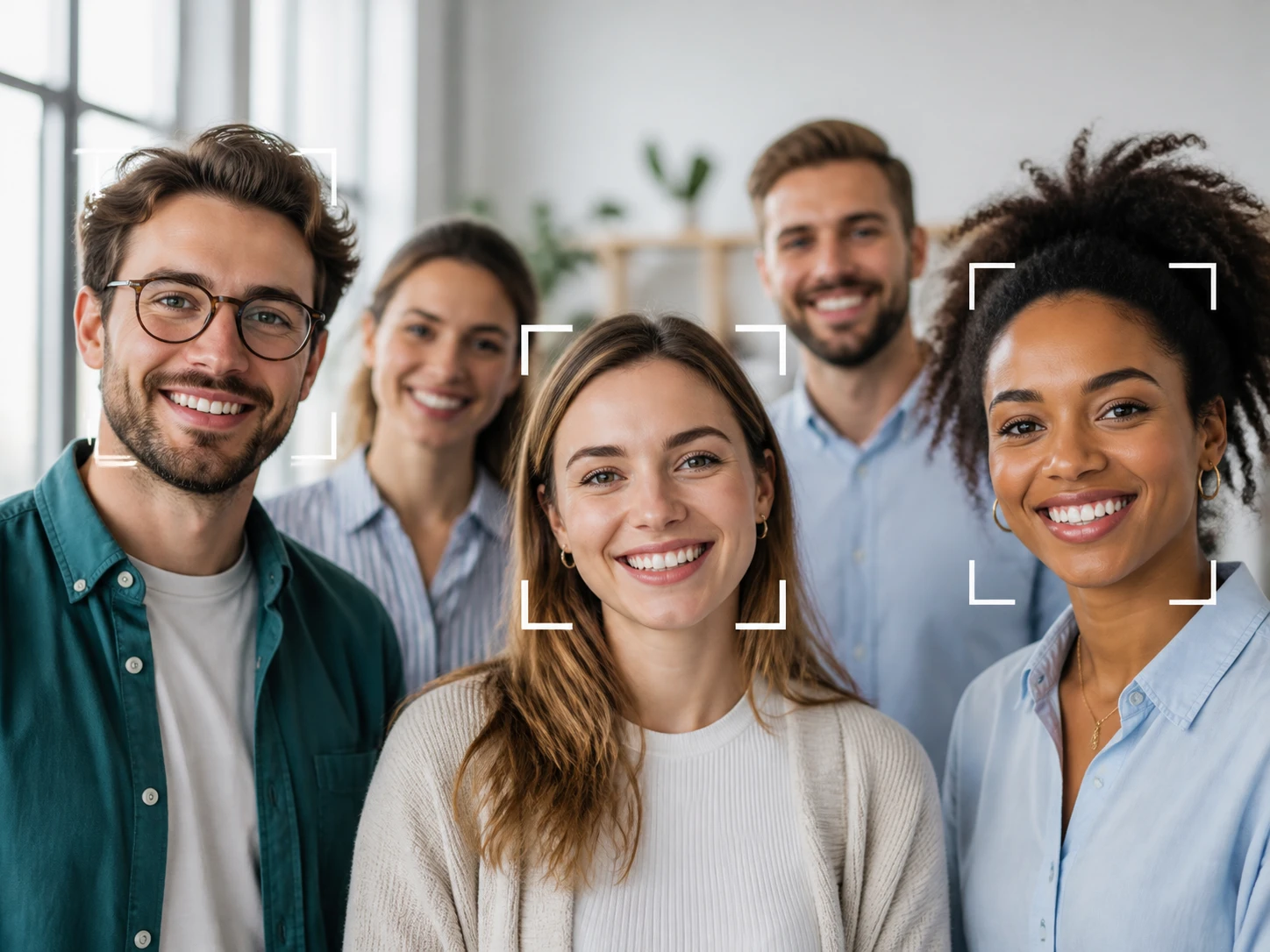
It Finds And Rebuilds Each Face
The Face Enhancer finds every face in the frame on its own, matches a model to the file type and scene, follows the path that fits how the face went soft, and rebuilds only the soft region: feature edges, hair strands, the layering of skin texture. Scratches and noise on an old photo are handled in the same pass, and a generated face takes the path where the Face Enhancer paints texture back in. Want to steer it yourself, pick a model or a use scene by hand. Whether you want the face upscaler to make it larger is a separate choice, up to 8K.
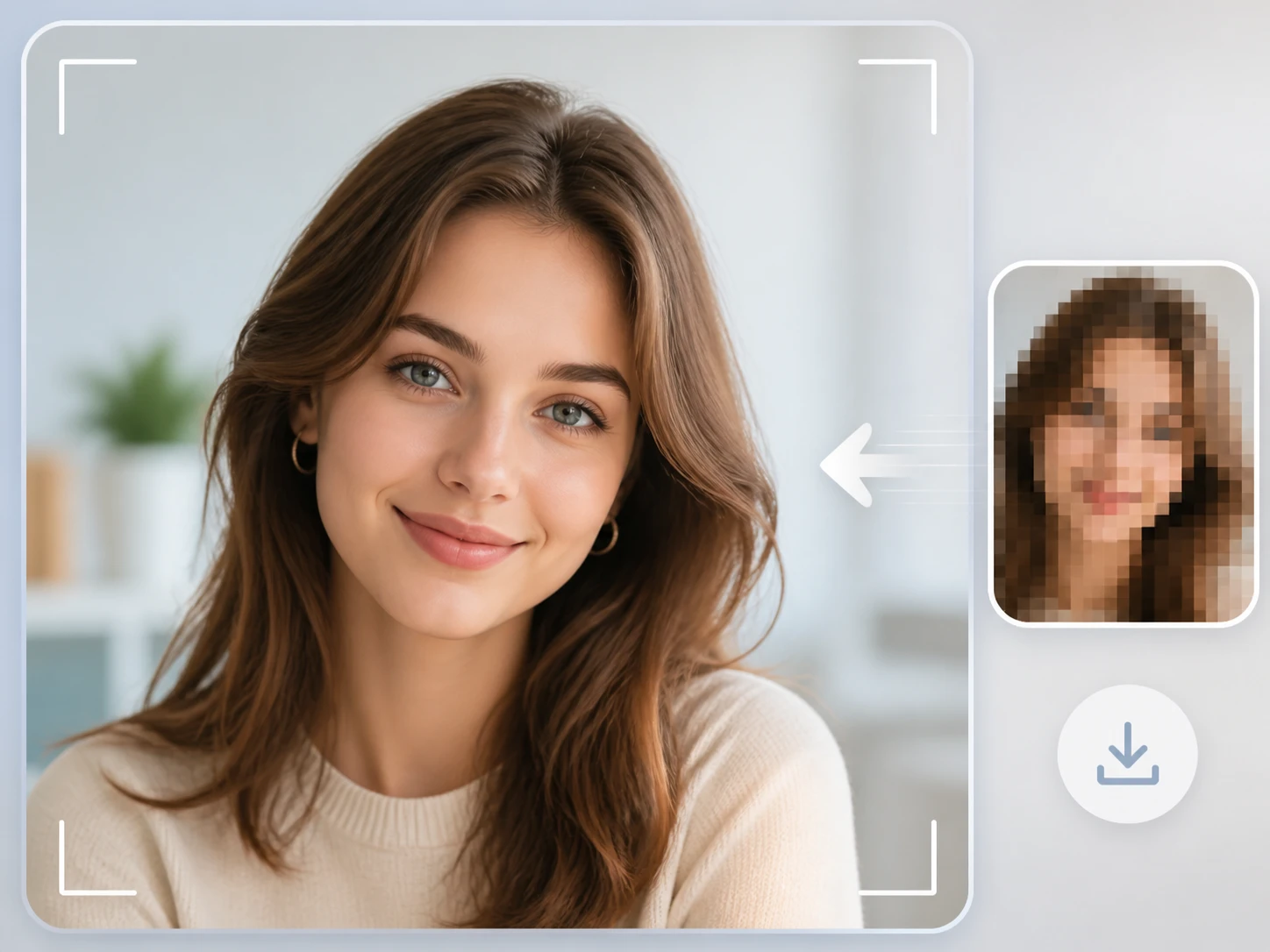
Take Back The Result
Download the finished image, watermark free, at the same size as the original and kept in your account. If this face turns out to be the lowest headroom kind, only a few dozen pixels wide in the file, or the softness was really noise, run it back through the Face Enhancer with a different scene: that is how the Face Enhancer gets this one right, not patching a failure. Continue upscaling to 8K only when you genuinely need it bigger.
Five Sources, Five Face Enhancer Paths
Each card is one kind of damage the Face Enhancer meets: how that face went soft, and how much is honestly left to work with.
Profile Picture Enhancer
That avatar file has been shrunk more than once: camera to phone, sent out, squeezed again by a platform, shared again somewhere else, each pass taking a little. Which handoff you are holding, the second or the fifth, tells a portrait enhancer more about what is left than how well it was shot. This ai selfie enhancer works from whatever the file still carries, and the Face Enhancer rebuilds the feature edges that survived the resizing.
Group Photo Enhancer
In one group shot the headroom is uneven: the face up front and the face in the back row simply held onto different amounts on the negative, so they are not the same problem. The Face Enhancer finds and rebuilds each face separately, yet how much comes back is still set by what that particular face had left. A tiny distant face in the crowd may have almost nothing for the Face Enhancer to give.
Old Photo Face Restoration
By the time an old print reaches you it is no longer first generation: the paper faded and picked up scratches, then a scan or rephotograph added a layer of its own. What the Face Enhancer can rebuild is what still sits on the paper, not what the camera never recorded. The small things go first, so the whole frame can look fine while the person standing at the back has already dropped out; scratches clear and color is optional, black and white kept if you prefer.
The One Frame You Pulled For A Thumbnail
The still you set aside for a cover or thumbnail brings its own faults into the Face Enhancer. Shot in low light, this one carries dark specks across the face; saved down a few times, this one shows blocks along the edges. Bring that single frame in as an image and the face gets the same reading as any photo: what kind of damage, and how much is left before the Face Enhancer rebuilds it.
What A Face Enhancer Gives Back
Read Your Photo With Face Enhancer
Bring the one photo on your mind into Enhancer.video, see which kind of damage it is, and let ai face restoration show how much is left. The Face Enhancer starts with 10 free credits, and signing up asks for no card.