
Video Sharpener
Footage goes soft for four reasons, handheld shake, a focus miss, a soft lens, or one compression pass too many, and which one you shot decides how much soft detail is still there to bring back. Enhancer.video sorts your clip by cause first, so a video sharpener works with what the source actually left behind.

Footage Already Broken Before The Video Sharpener
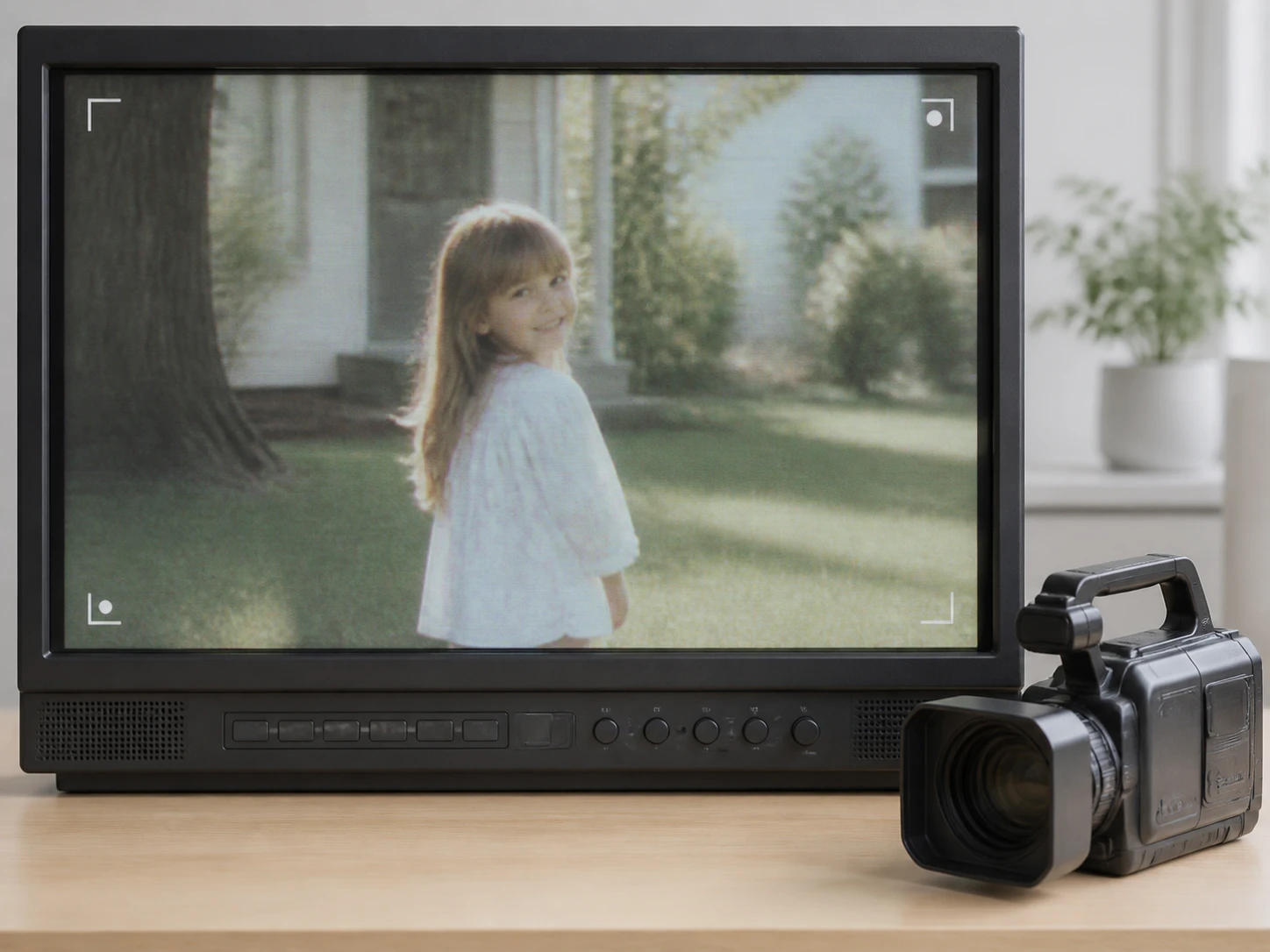
Old Tapes And DV Transfers
The file off that transferred tape carries three problems at once: the resolution was always low, the tape added its own grain, and the lens was soft to begin with. Each fault leaves a different amount to work with, so the video sharpener handles them apart instead of as one blur, and going in you already know which of the three has room left and which does not before you sharpen video from that reel.
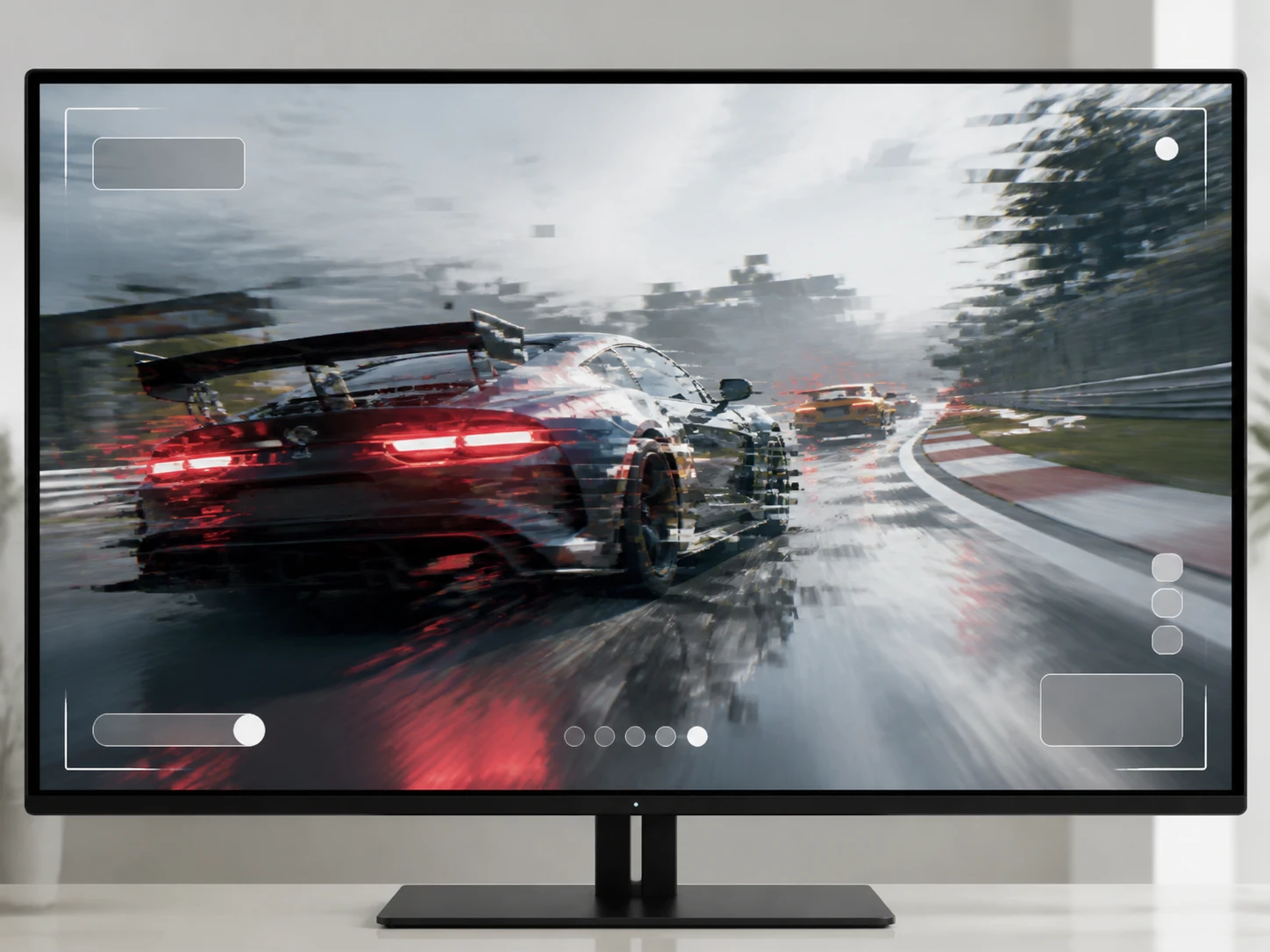
Screen Recordings And Stream Replays
Your capture looks clean while the camera holds still, then falls apart the moment the view whips around. That is the bitrate failing to keep up, not the picture itself going soft, and the two need different treatment. This video sharpener reads the motion smear apart from a frame that is genuinely soft.
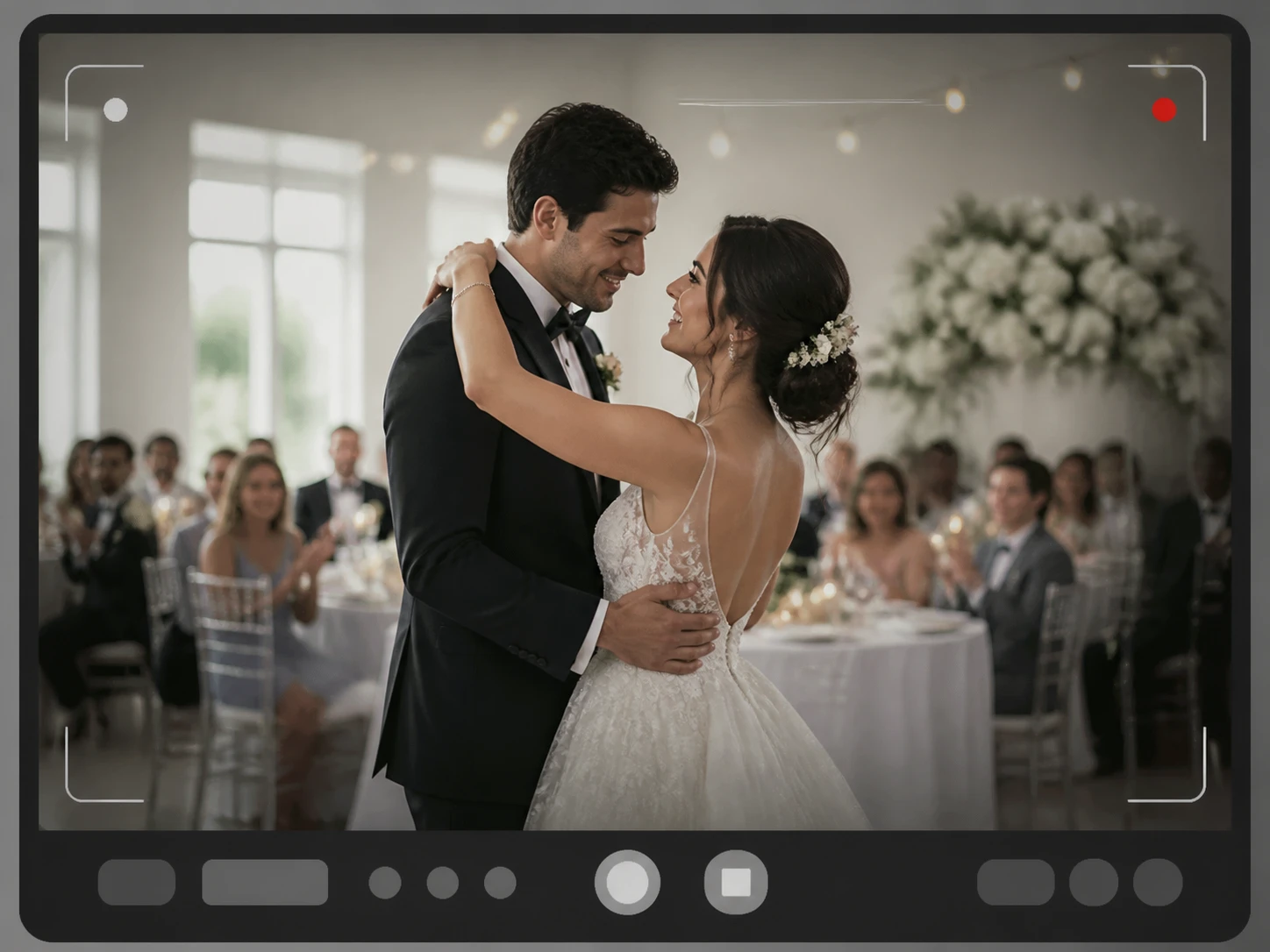
Wedding And Night Event Video
The venue only gave you so much light, so the dark corners came back full of colored speckles. Those speckles are noise, not blur, and knowing that keeps you from aiming the video sharpener at the wrong problem. The video sharpener clears the speckles while it works to sharpen blurry video where the softness is real.
The Video Sharpener Starts From The Cause
Every clip goes soft for a reason, and each reason gives the video sharpener a different amount of detail to bring back.

Four Causes, Four Margins
Handheld shake, a focus miss, a soft lens, and heavy compression each blur a frame in their own way, so the video sharpener gives each one its own path. A soft lens gives back the most, because the detail is still there and only the contrast is missing. Shake sits in the middle and gets harder the longer it lasts. A focus miss gives back the least, since that detail never landed on the sensor. This is where a sharpen out of focus video job meets its honest limit, and the video sharpener says so instead of faking it.

Sharpen Only The Soft Area
A clip is rarely soft all over. The subject drifts while the background stays crisp, or only the few seconds you panned went blurry. The video sharpener finds the soft region and rebuilds the edges and texture just there, leaving the parts that already read clearly untouched. Enhancer.video works on picture that is already in the frame, never on things the camera never caught.
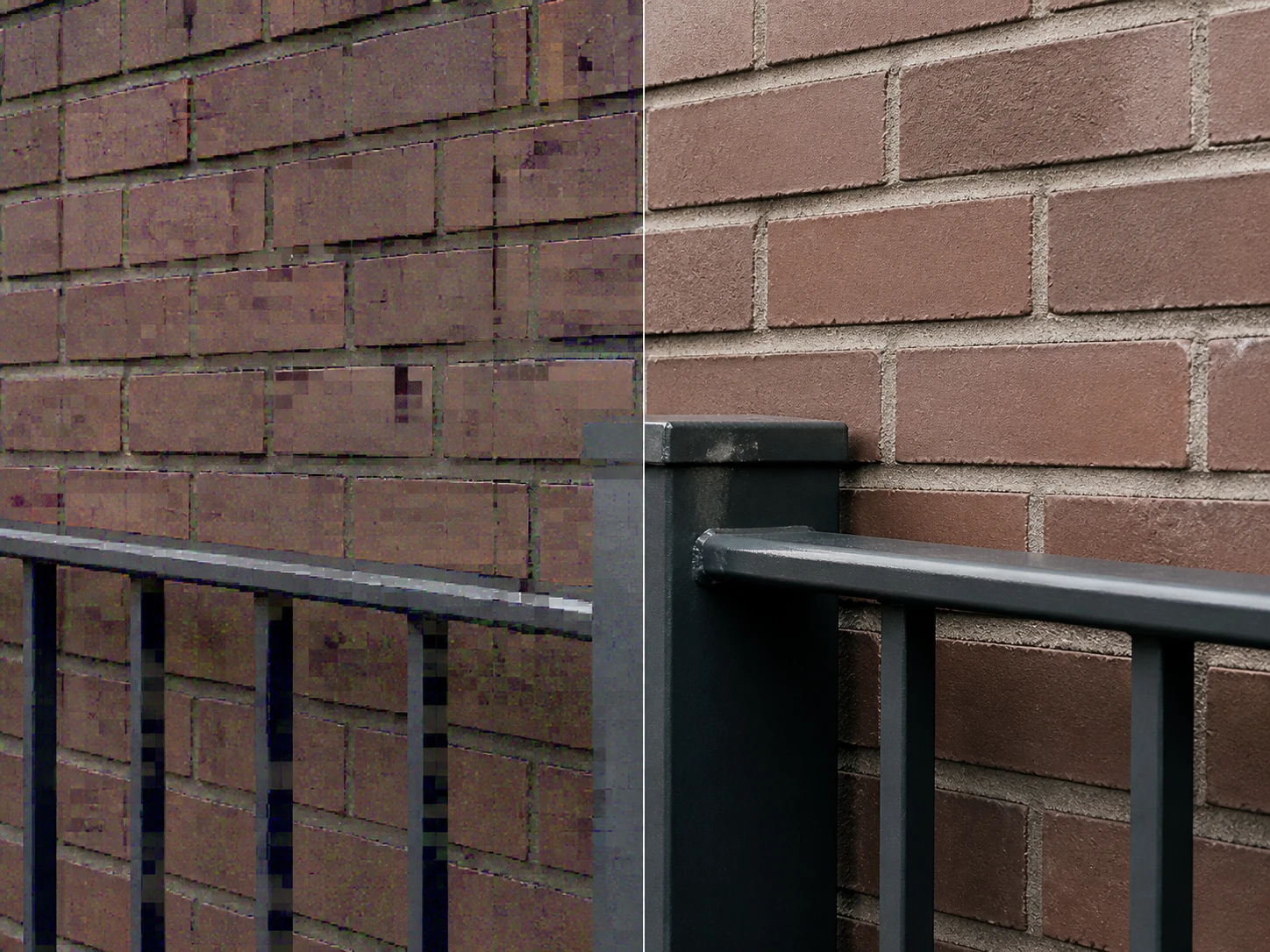
Those Specks Are Noise
The colored specks in low light and high ISO footage, and the blocky mess left behind by repeated saving, are not blur, and pointing the video sharpener at them only makes the noise louder. The same pass clears the noise and compression artifacts while telling real texture apart from grain, so you keep the detail that belongs to the scene. It reads as a true sharpen video quality gain, not a blanket smear.

Runs Straight In Your Browser
No install, and no worry about the graphics card in your machine. You open the video sharpener online, drop the clip in, and it starts. Because it works to sharpen video online, one session handles the automatic routing and any manual model or scene you decide to pick.
Send It, Video Sharpener Picks The Path
Three steps: hand the clip over, the video sharpener takes the path that matches how it went soft, and you get the finished clip back, with a second route if that first read was off.

Upload Your Softest Clip
Drag in the clip that bothers you most, as MP4 or MOV, and send more than one if you have them. The video sharpener runs in the browser, so there is nothing to install first.

It Reads The Cause First
The video sharpener looks at where the clip is soft and how it got that way, then takes the matching path. The soft region can be rebuilt on its own, and noise and compression blocks clear in the same pass. Want the call yourself? Pick a model or a scene and the settings fill in, while resolution stays a separate choice.

Download The Remastered Clip
Take the finished clip down with no watermark, and it is yours to use commercially, client work included. The video sharpener keeps it in your account to come back for later. If the read was off, say the clip was really noise and not blur, choose another scene and run it again, which is a normal step in sorting the cause.
Grouped By How The Video Reached You
Sorted by where the softness came from, because the source decides what the video sharpener can give back.
Transferred Tapes And DV Reels
You finally digitized the family reels and the files came out low in resolution, grainy from the tape, and soft from an old lens all at once. Each of those faults has its own room to improve, so the video sharpener separates them instead of smearing everything, and how much comes back depends on which fault you are looking at.
Game Capture And Replays
Your recording is clean on a still screen and shreds the instant the view swings. That is the bitrate falling behind rather than a soft picture, a different road entirely, and the video sharpener treats it that way, keeping the fast motion from turning to mush.
Low Light And Night Events
The reception ran on candlelight and the dark areas came home speckled with color. Recognizing those speckles as noise first, rather than blur, lets the video sharpener push most of them down while holding on to the real texture, instead of dragging the noise up with a sharpen video ai step aimed at the wrong thing.
Clips Reshared Many Times
The video went from phone to chat app to client and lost a little on every hop. Whether you hold the first export or a copy passed through three hands decides how much is left, and a video quality sharpener works with whatever detail survived that trip.
What Your Clip Has Left To Sharpen
Start With Your Worst Clip
New accounts get 10 free credits and no card is asked for, so you can try the video sharpener from Enhancer.video on one clip before anything else.