


Image Denoise
The noise on a photo is never one thing, so image denoise reads where your image came from before it decides how far the grain can safely go.

Image Denoise, Grouped By Noise Source
Where the source of the noise, not just its look, decides what image denoise can give back.
High Iso Photos
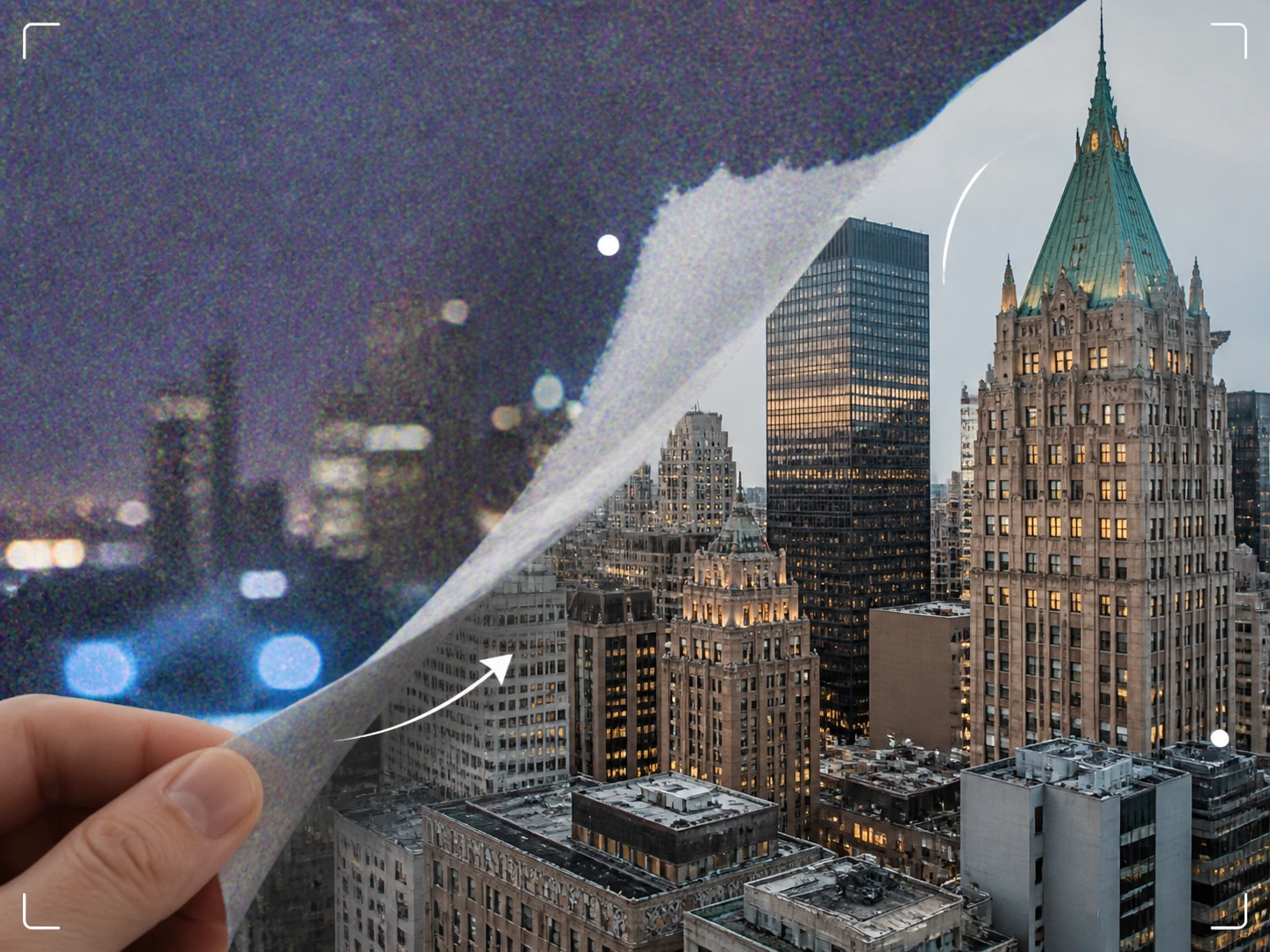
A dim venue, a concert, a room with the lights off: the camera lifts its sensitivity to keep the frame bright and pays for it with grain and colored speckle in the shadows. This is the class where image denoise has the most headroom, because the noise sits as a layer on top while the picture underneath stays intact. Bring the high iso photos in and image denoise keeps the detail that is really there.
Film Grain Removal
Scanned film hands image denoise a texture that looks like one thing but is really two: the film's own grain plus a layer the scanner's own circuitry added on the way in. Separating those lets you remove grain from photo scans without flattening the frame into plastic, so image denoise works as a photo grain remover that respects what was on the negative.
Astrophotography Noise Reduction
Long exposures and dark frames build noise that the shooting conditions hand you, and a night sky is expensive or impossible to reshoot. Image denoise here leans on telling apart the noise that can lift from the faint signal that was never recorded, so stars stay put while the dark background settles. Bring a stacked frame or a single exposure for image denoise.
A Cover Frame Grabbed From Footage
Grab a still for a thumbnail or a poster and it arrives carrying every fault of the clip it came from: if the source was shot dark, the frame wears that shadow grain; if the clip was compressed across several handoffs, the frame shows the blocks. Sort the source class first, then let image denoise clean the frame to denoise photo stills that started life inside a video.
None Of These Are Camera Originals

Cover Frames That Inherit Everything
You grab a frame for a thumbnail or poster, scale it up to cover size, and whatever was wrong in the source shows up magnified. Working out which class the source noise belongs to comes first, because that is what image denoise uses to decide how much of the frame can come back before you commit it to a cover.
Files That Arrived Third Or Fourth Hand
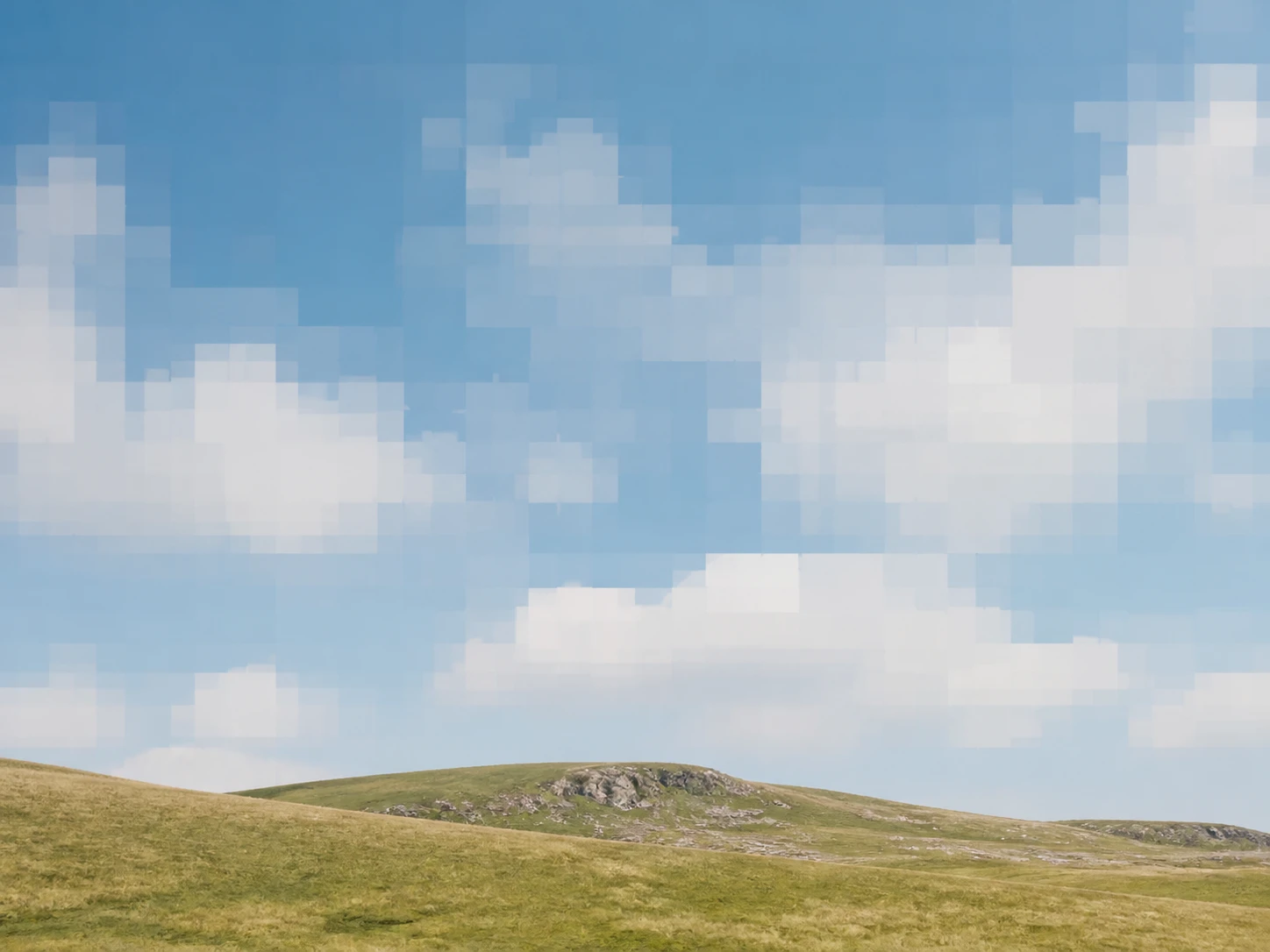
The image reached you already resaved a few times, so what you see is square blocks, not grain. Which generation you are holding sets the ceiling on how much is left, and image denoise works to remove noise from image copies without pretending the lost detail is recoverable.

Too Even, Too Clean, No Texture
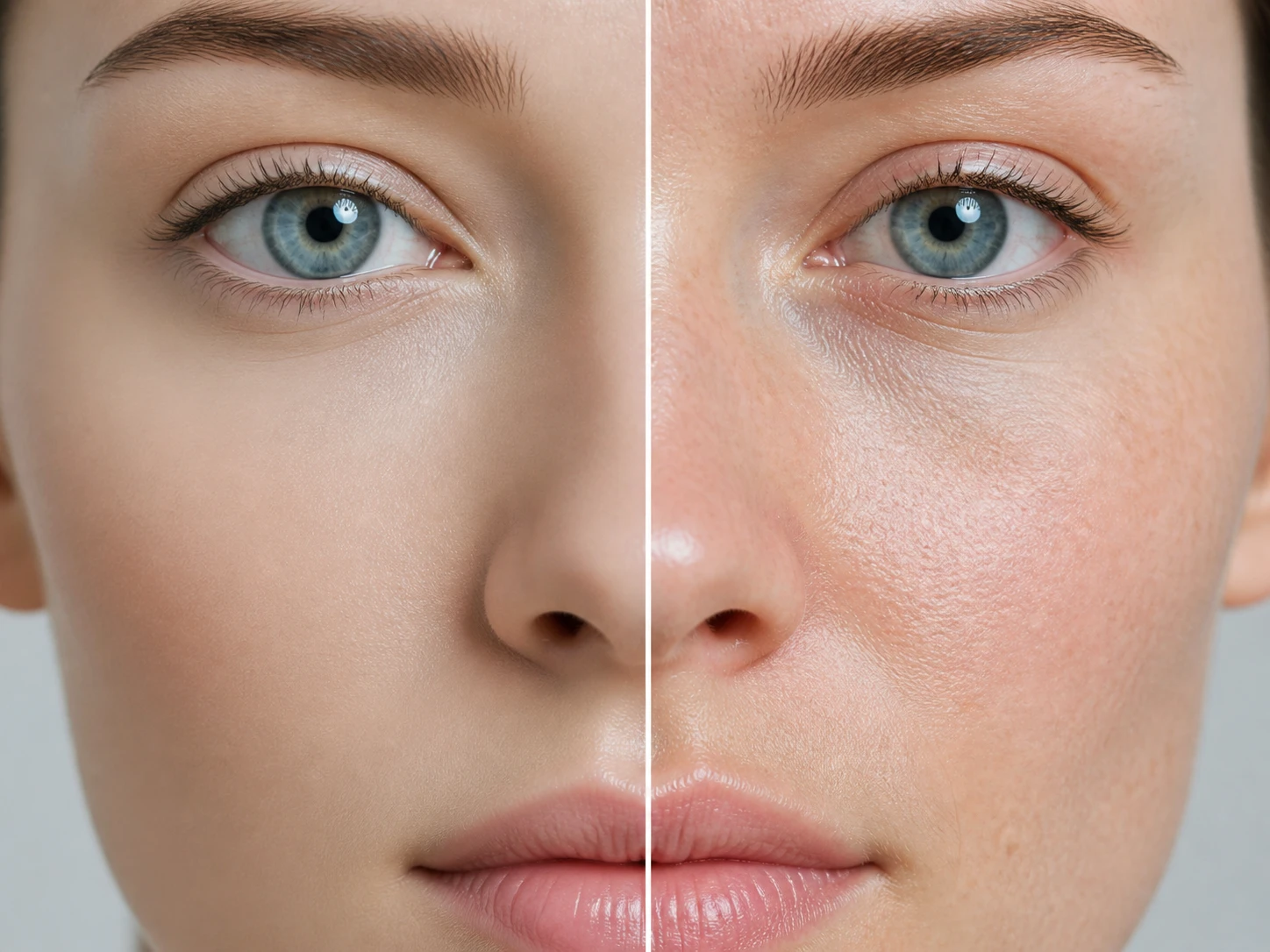
The file is a decent resolution and looks tidy, yet enlarged it feels off: skin with no pores, fabric with no weave, surfaces too even. What it lacks is the real sensor noise a camera leaves behind, which is why an ai denoiser here rebuilds content appropriate texture instead of stripping noise away.
Different Noise, Different Headroom
Enhancer.video is a photo denoiser built around where the noise came from, not one slider, so an ai noise reduction path and a jpeg cleanup path can run on the same file.
Each Cause Gets Its Own Path
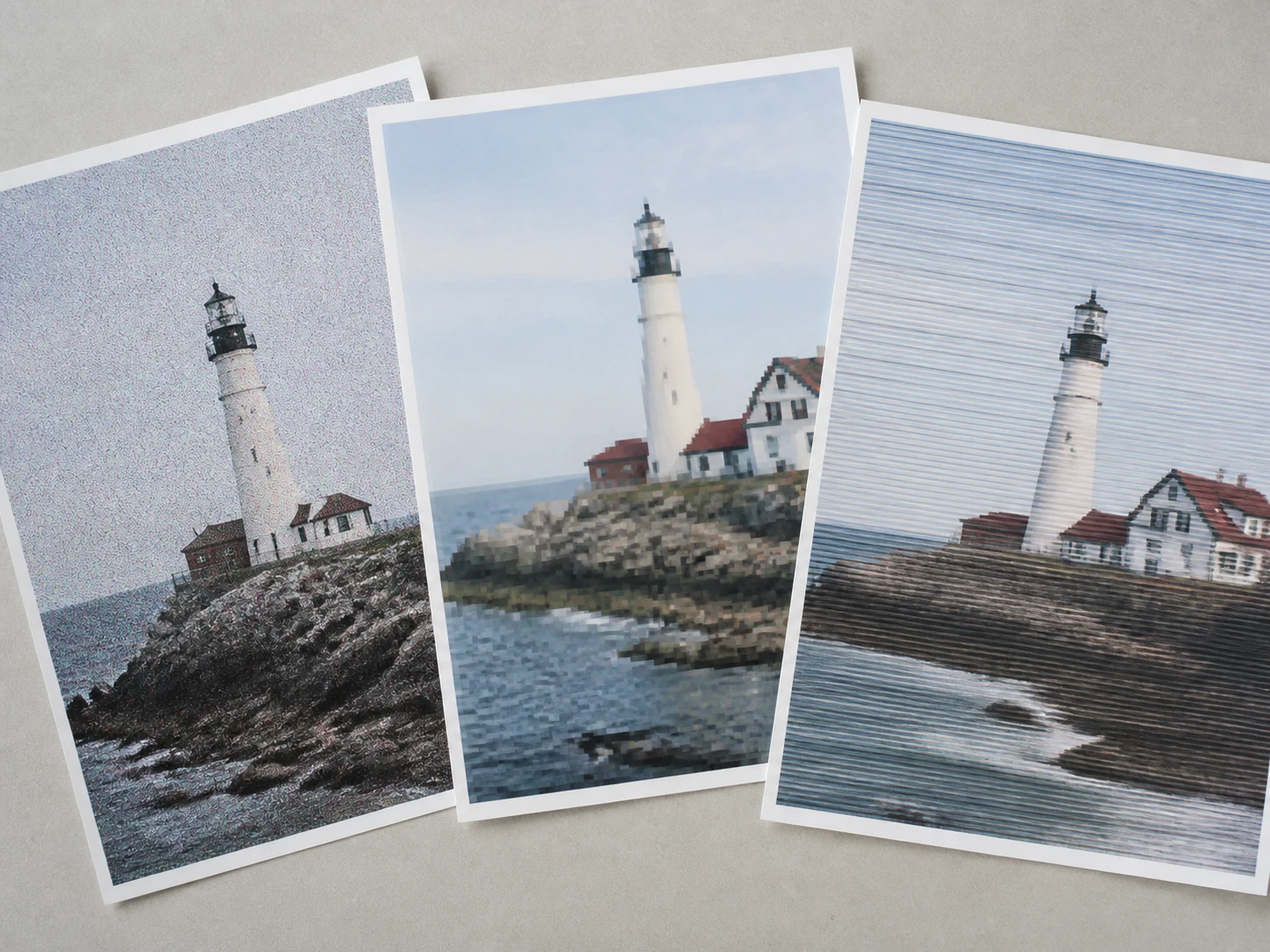
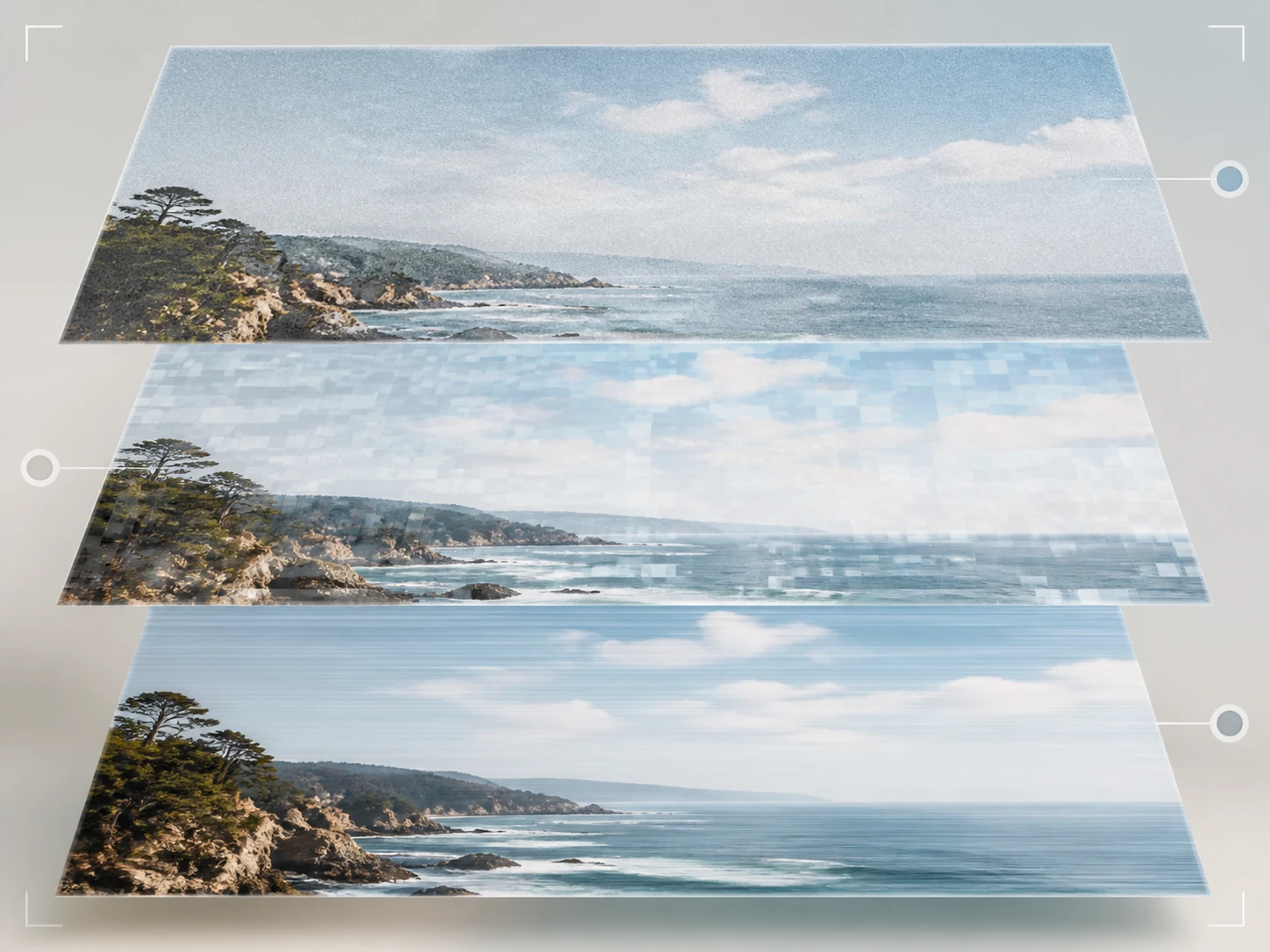
Cleaner shadows, sharper flat areas, and edges that hold: image denoise routes shadow grain, the square blocks from resaving, and the layer a scanner added, each to the path built for it, and works them together instead of dragging one slider across all three. What each can give back is not the same, and this noise reducer stays honest about that ceiling.
AI Images Aren't Noisy, They're Too Clean
Real texture back on the surface, not another cleanup: a camera leaves a faint layer of sensor noise and micro texture that reads as real, and a generated image is missing exactly that, which is why it looks too even up close. Image denoise rebuilds content appropriate texture, so an ai image denoiser here adds what belongs rather than taking noise away.
Those Blocks Are Not Grain
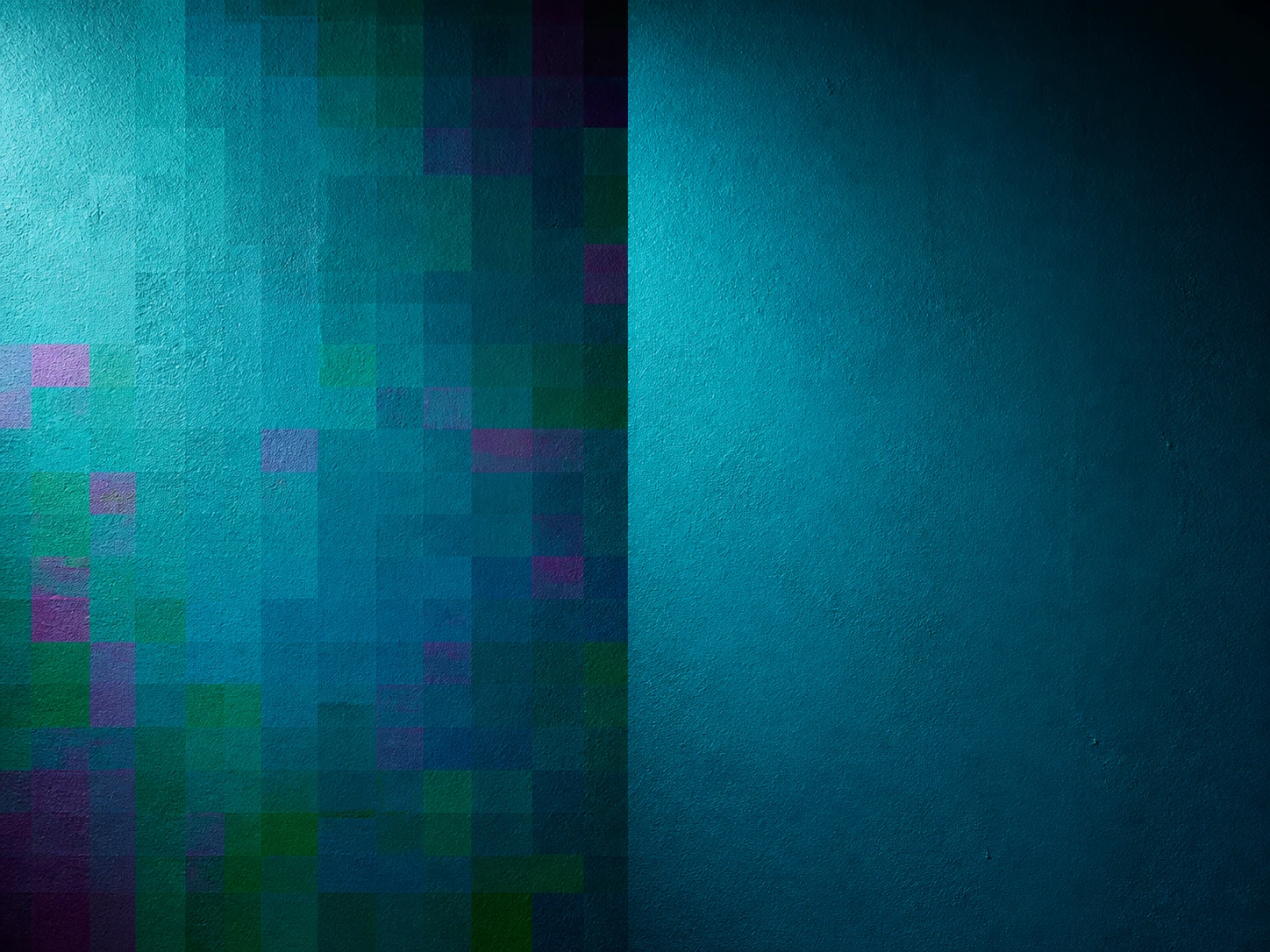
Flat skies and plain walls come back smoother once image denoise runs: send a JPEG, save it, send it again and every resave drops a little high frequency and leaves squared, edged blocks that show first on plain areas. Which handoff you are on decides how much is left, and the jpeg artifact removal path targets those blocks rather than treating them like grain.
Shadow Grain Has The Most To Give
Detail kept where the light was thin: when there is not enough light the camera guesses in the shadows, and the guess returns as grain and colored noise. Because that noise sits on top while the picture underneath survives, this is where image denoise and high iso noise reduction have the most room, and it doubles as a photo grain remover for shadow grain.
Image Denoise From Source To Download
Image denoise on Enhancer.video is a diagnosis first: name the source of the noise, then clean only what that source left room to clean.

Upload The Noisiest Copy You Have
Drag in the file that shows the most noise as JPG, PNG or WEBP, or add several at once. Everything runs in the browser, so there is nothing to install and no local graphics card to think about. This is where image denoise starts, when you want to denoise image files that came out grainy.
It Reads The Noise, Then Routes It
Image denoise checks which class the noise belongs to and where it came from, then sends it down the matching path: shadow grain and color noise, the square blocks left by resaving, or the layer a scanner added, all handled together in the same run. This is the step where image denoise earns its diagnosis. Prefer to steer image denoise yourself? Pick a model or a use scene and the settings fill in, and the strength slider is yours to move. Size is a separate decision, so leave the dimensions alone if you only want the noise gone.

Take The Cleaned Image Back
Download the result at its original size, with no watermark, and it stays in your account history to open again later. If the diagnosis read the file wrong, say it was an AI image short on texture rather than a noisy one, pick another scene and run it again; that is a normal step in the diagnosis image denoise makes, not a repair after failure.
Which Noise Is This, How Much Remains
Image Denoise Brings One Noisy Photo Back
Remaster the photo you already have: image denoise starts by reading where the noise came from and how much of it will lift, and your first 10 free credits get you started with no card needed.