


Graphic Enhancer
The file you hold is usually a resaved, screenshotted or scanned copy, so Enhancer.video names that damage first, then its graphic enhancer rebuilds the soft edges and upscales up to 8K.
Nobody Here Has The Original

Taking Over Someone's Brand Files
You have stepped into a marketing role, an agency seat or a freelance brief, and the folder holds nothing but a batch of PNGs the last person exported. Nobody can say whose machine the source files sit on, and every file has a different history, so you work through them one at a time, letting the graphic enhancer show what each one still has.

Pulling Your Own Images Off A Platform
You run the content, the shop or the profile, but the masters walked off with a replaced phone and laptop, so today's copy is whatever the platform handed back after transcoding. You already know it is second hand; what you cannot tell by eye is how much of it the graphic enhancer still finds worth rebuilding.
Bringing Paper Into The Computer
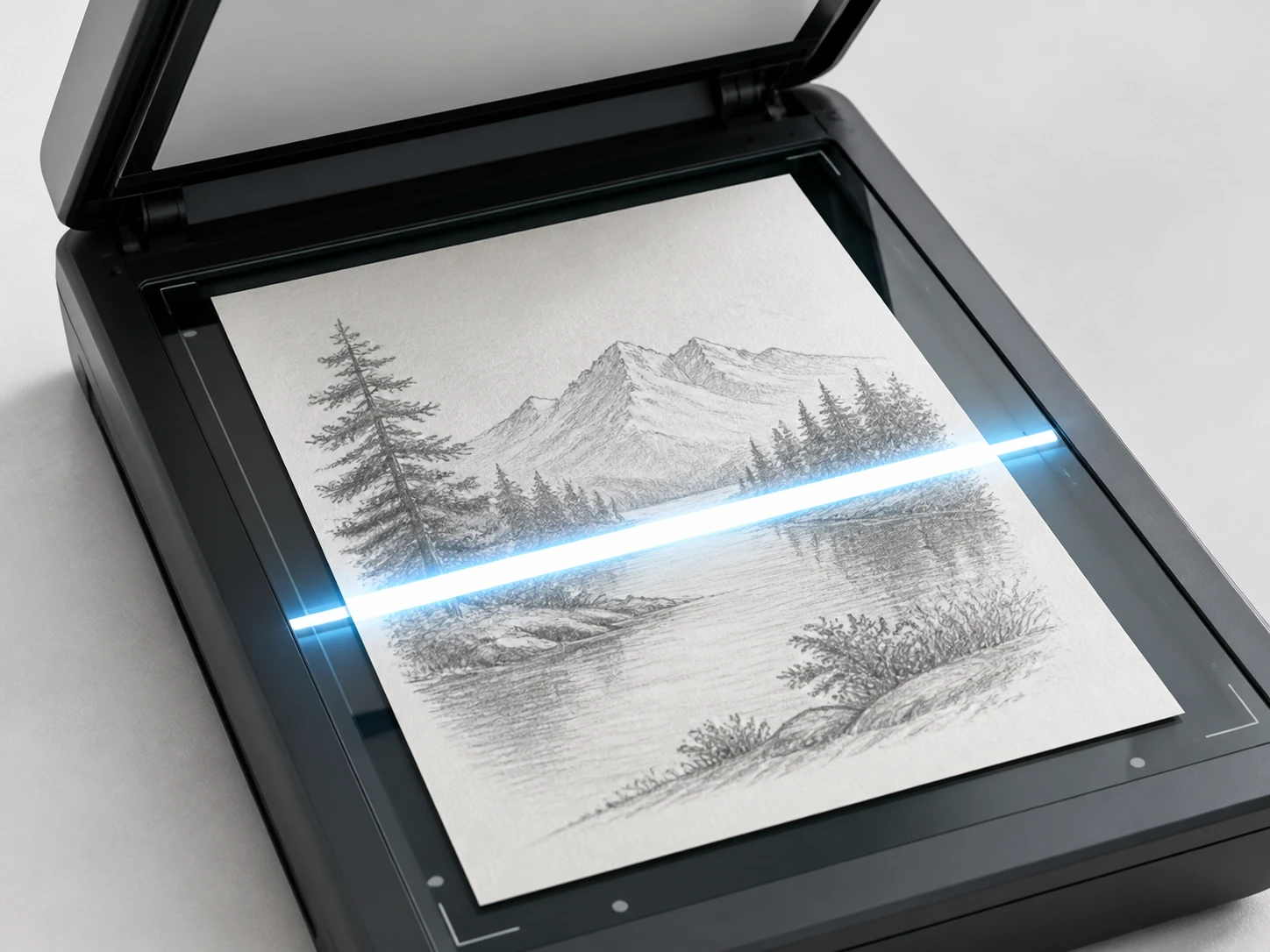
You scan hand drawn artwork or photograph old printed materials for the archive, and paper texture, scanner grain and a shaky shot all land in the file together. The thing you most want to know is which of the three the graphic enhancer will name as the reason the lines look furred.
Four Damage Classes The Graphic Enhancer Sorts
Each file breaks in its own way, so name the damage class first, then ask how much the graphic enhancer can give back.
Never Exported Large
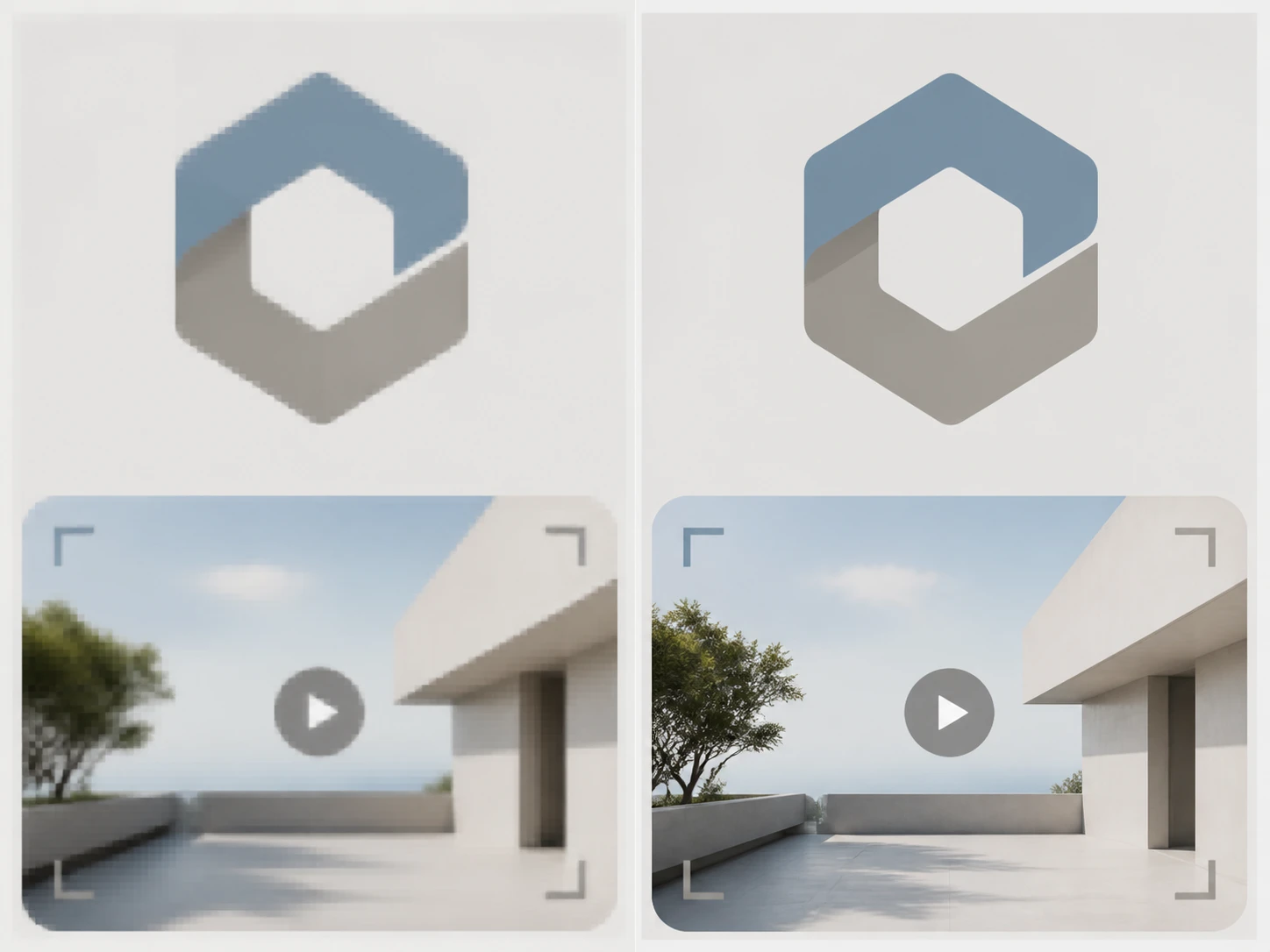
A logo saved at web width only ever held a stroke a pixel or two wide, so those pixels were never generated, not lost in transfer. This graphic enhancer stands the edges and letterforms back up, and how much the graphic enhancer returns depends on how many pixels the old export kept; anything finer than a single pixel is beyond what any graphics enhancer can invent.

Blocking From Resaves
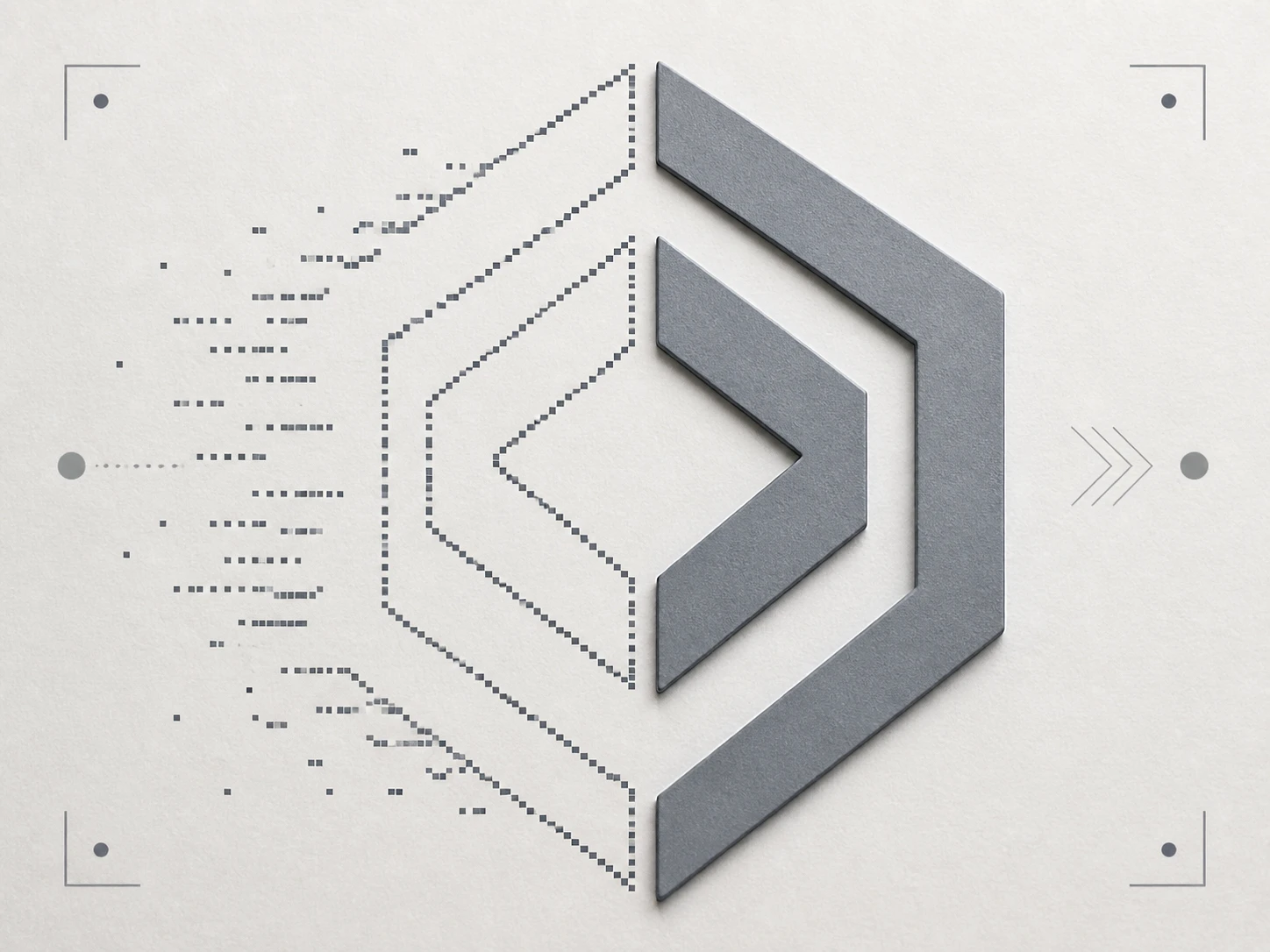
Every time a file gets saved again in a chat, an inbox or a back end, it is encoded once more, and blocking creeps in beside hard edges while flat color turns speckled. Here the graphic enhancer separates those artifacts from the lines before it rebuilds, so cleanup comes first and the enlarge second. How much it can enhance graphics this far along depends on the rounds: the more times a copy has been resaved, the less the graphic enhancer has left to give back.
Screenshots And Scans
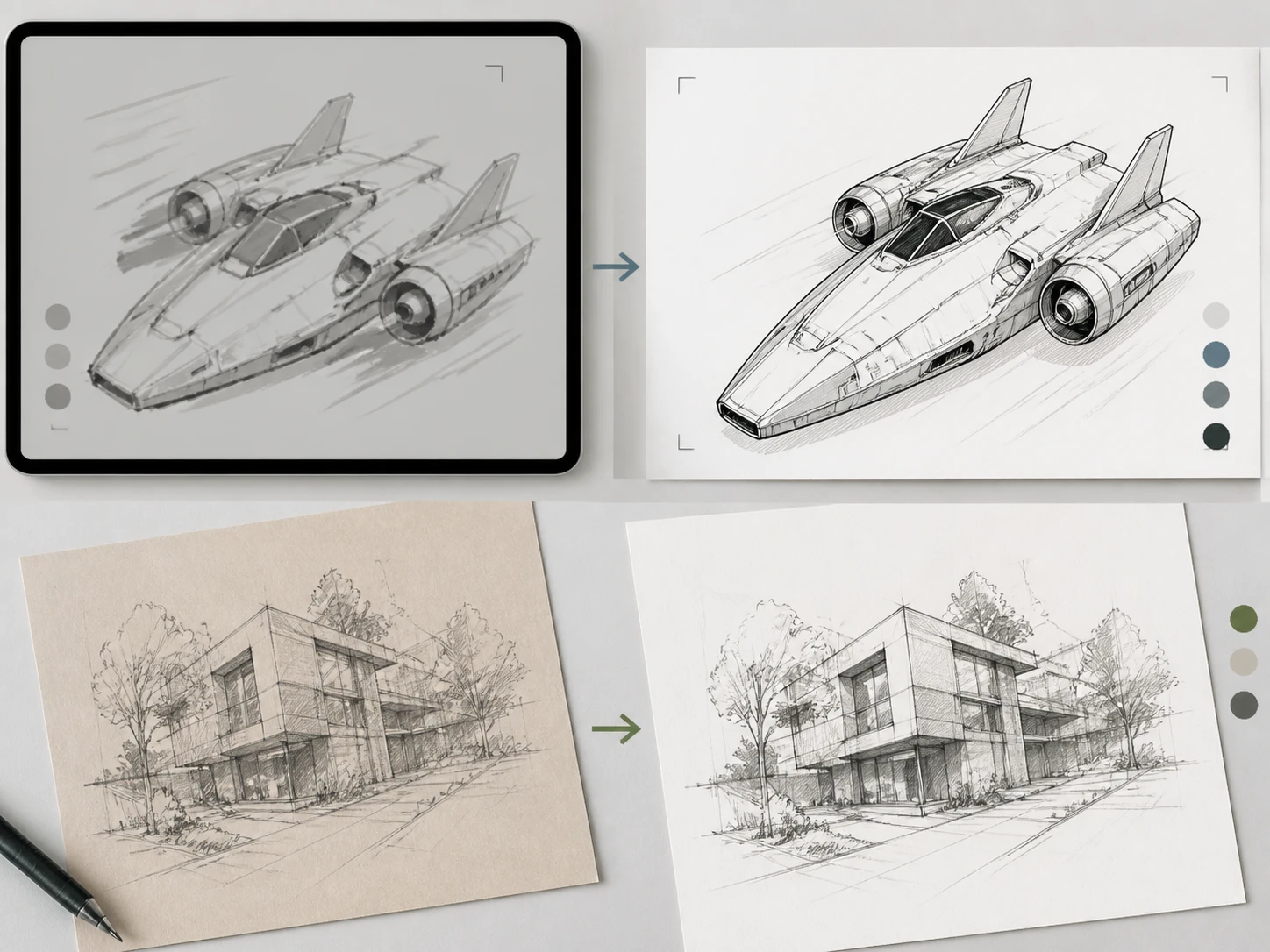
A screenshot taken off a webpage or a slide has already had its letterforms interpolated by interface scaling, and a sketch pulled off paper carries the sheet texture in with the ink. As a graphic upscaler this path sorts texture and grain apart from the lines, then sharpens the edges the graphic enhancer reads as genuinely soft, keeping the text crisp and readable.
Soft By Generation
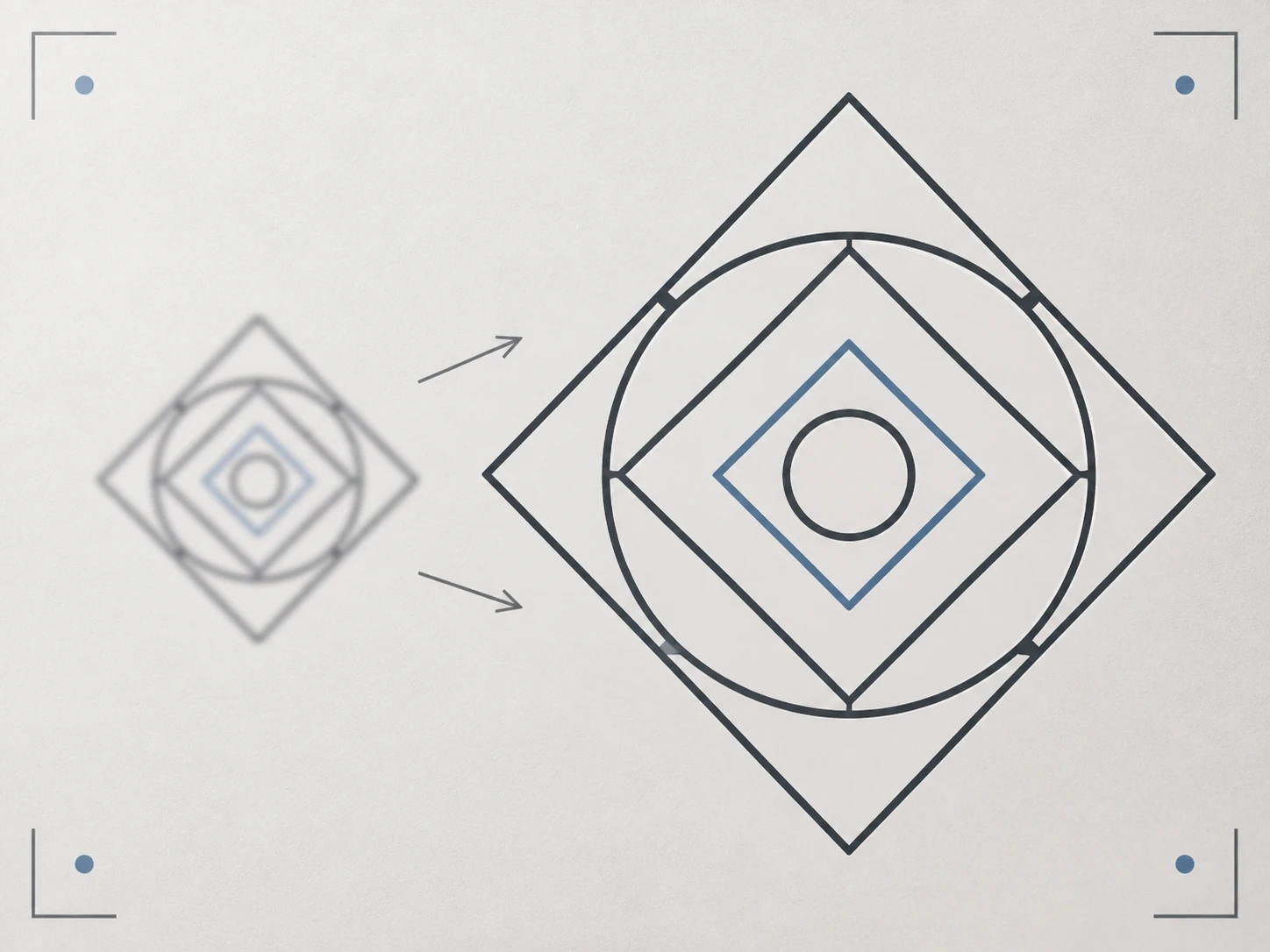
The softness in an AI render or a low resolution thumbnail is built in from birth, not stripped out afterward. Used as an ai art upscaler, the graphic enhancer holds the line direction and the color block borders while it enlarges, and you can paste a prompt to steer the detail; what it adds back is a rebuild that fits the style, not pixels the file once had.
Where Files Go In The Graphic Enhancer
From the copy in your hands to a bitmap you can print, the graphic enhancer names the damage on the way.
Hand Over The Version You Have
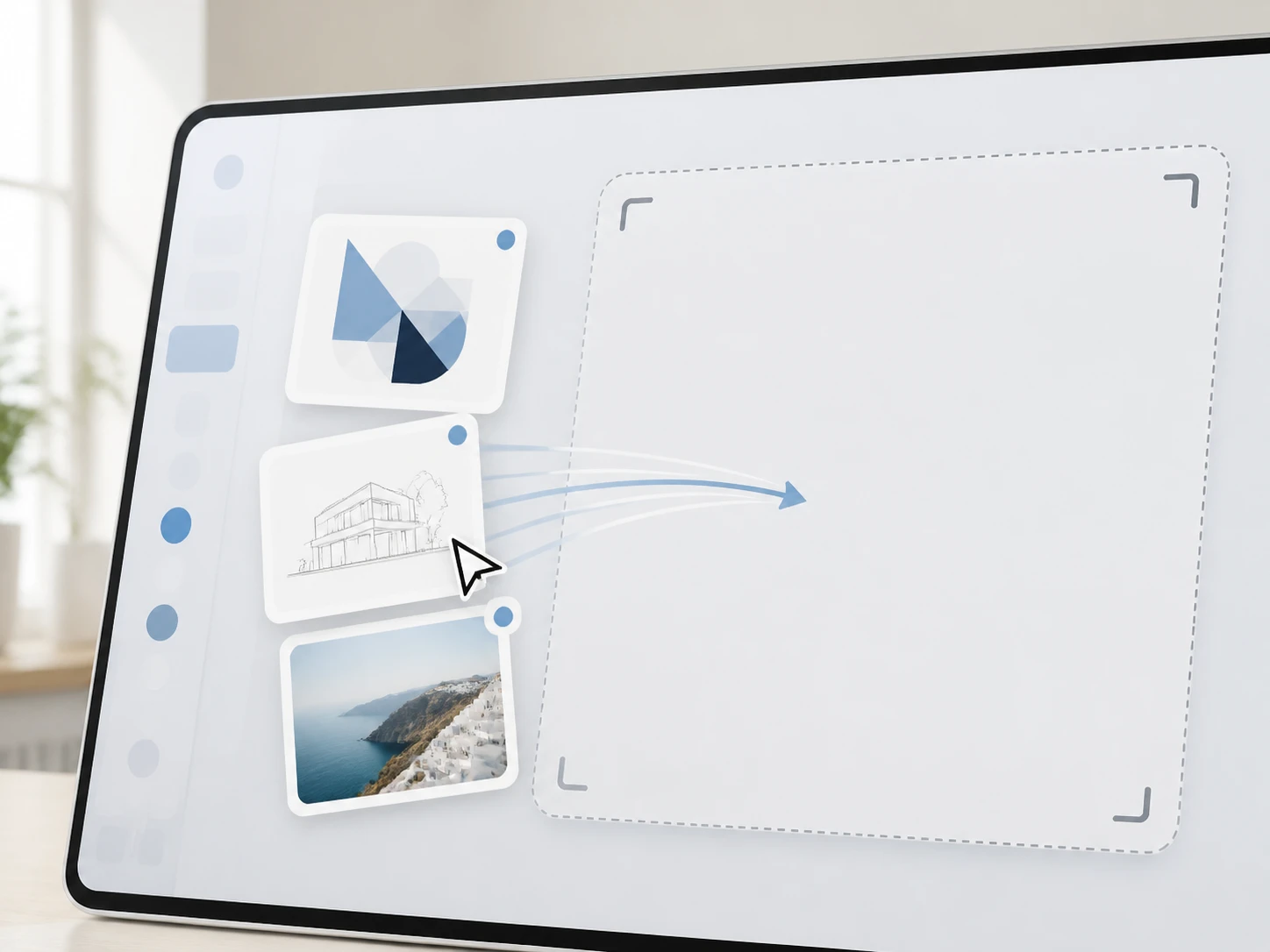
Drag in the copy you actually have, whether that is a logo, a line drawing, an AI render or a thumbnail, in JPG, PNG or WEBP, and you can send a batch at once. It does not need to be the original file; where it came from is exactly what the graphic enhancer judges. Your uploads land in your account space so you can return to them later.
Let It Match A Path Per File
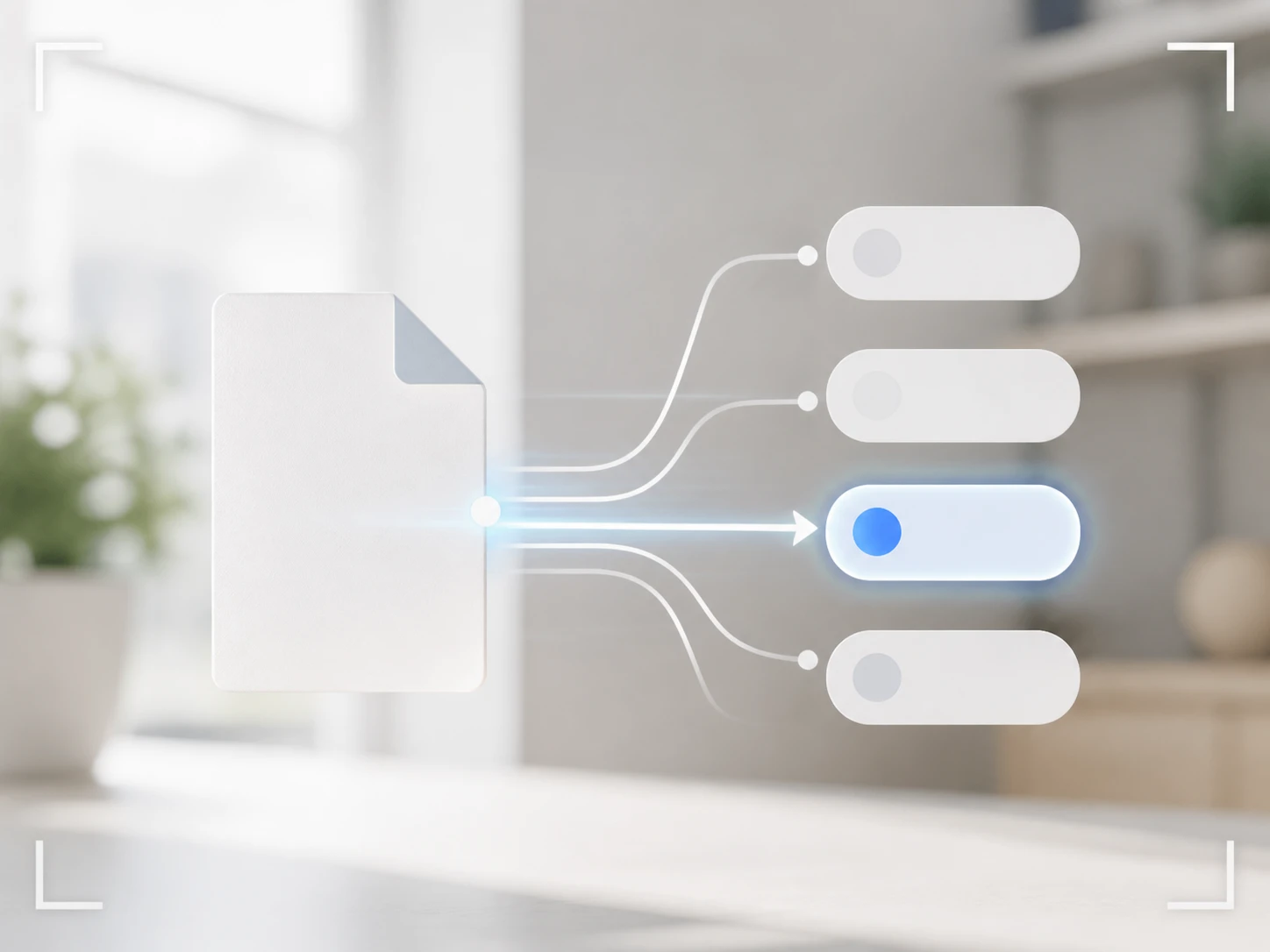
The graphic enhancer routes each file by its type and scene, separating resave artifacts, paper texture and lines before it rebuilds only the edges and letterforms it reads as soft, leaving clean color and tone alone. To take the wheel yourself, pick a model or a scene by hand, and for line art or AI renders you can paste a prompt to guide the detail.
Take Back A Bitmap, Then Enlarge
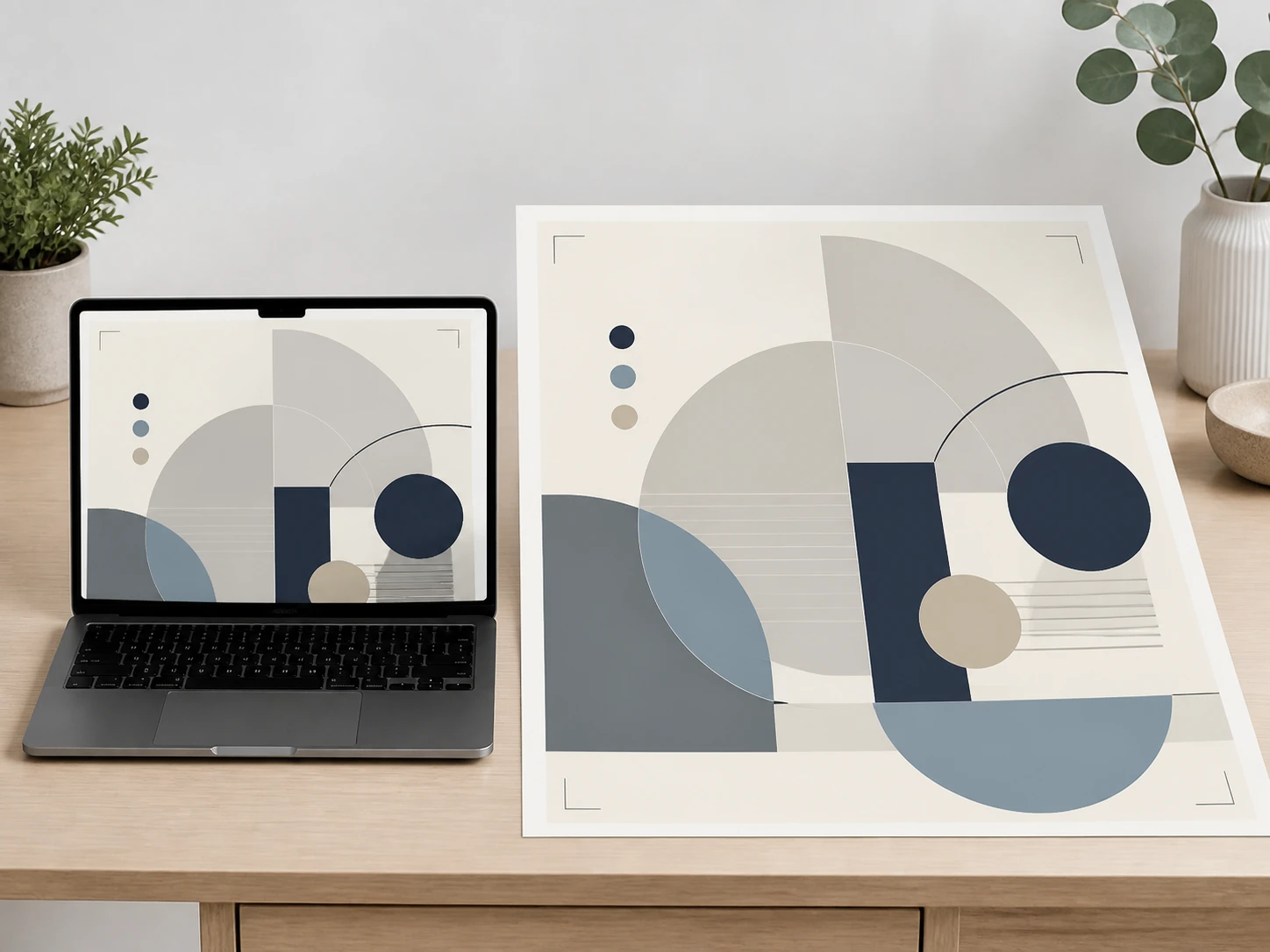
Download the high resolution bitmap from the graphic enhancer with no watermark on the export. If the diagnosis read wrong, say the paper grain got taken for a line, switch the model or scene and send it back through the graphic enhancer. When the work is headed for print or a large layout, keep going in the same workflow and upscale up to 8K.
Files That Reach The Graphic Enhancer Secondhand
Four common starting points, each showing where the graphic enhancer has room to work and where it does not.
Logo Enhancer
The only copy left is the logo embedded in a finished PDF handbook or pitch deck, since the brand source files vanished long ago. Its resolution was fixed the moment it was placed, which has nothing to do with how large you need it now. When people ask to upscale logo art like this, they are really holding the version that was never exported large, so the wordmark strokes and hard edges can be stood back up, though the strokes finer than a pixel are past what the graphic enhancer can rebuild.
Thumbnail Enhancer
This is the version you pulled back from a platform dashboard after the original left with a swapped computer, so all you can get now is the site's transcoded copy. The platform compressed it to display size, squeezing the title text into its smallest tier and leaving blocking along the edges. It belongs to the resaved class, where the artifacts get separated from the letterforms before anything is rebuilt, so how much sharpness the graphic enhancer returns depends on how many times it was recompressed on the way to you.
Upscale Artwork
A hand drawn line sketch, scanned or photographed off the page, arrives with the sheet texture and scanner grain riding along, and the phone shots carry a little handshake blur too. This one gets sorted by cause first, pulling texture and grain away from the ink, then the graphic enhancer enlarges it in the same workflow to the size you need while the line direction and color block borders hold. How clean it comes back from the graphic enhancer depends on how much of the paper printed itself into the strokes.
Only The Preview Left
You saved the preview from the generation page and never kept the full render, so a small soft image is all that remains. Because the softness was there from birth rather than lost later, the graphic enhancer holds the lines and the color block borders as it enlarges, and pasting your original prompt helps steer the detail back in a way that suits the picture.
Questions About What Comes Back
Start With The File You Trust Least
Point Enhancer.video at whatever you have the least faith in, let the graphic enhancer read it, claim your free 10 credits with no credit card, and see how much comes back with no watermark on the export.