
Slow Down Video
Turn footage you already shot into smooth slow motion video, and let the clip in your hands tell you how far a slow down video can go: the frame rate you filmed at, how fast the shutter was, and whether the moving part still keeps its edges.
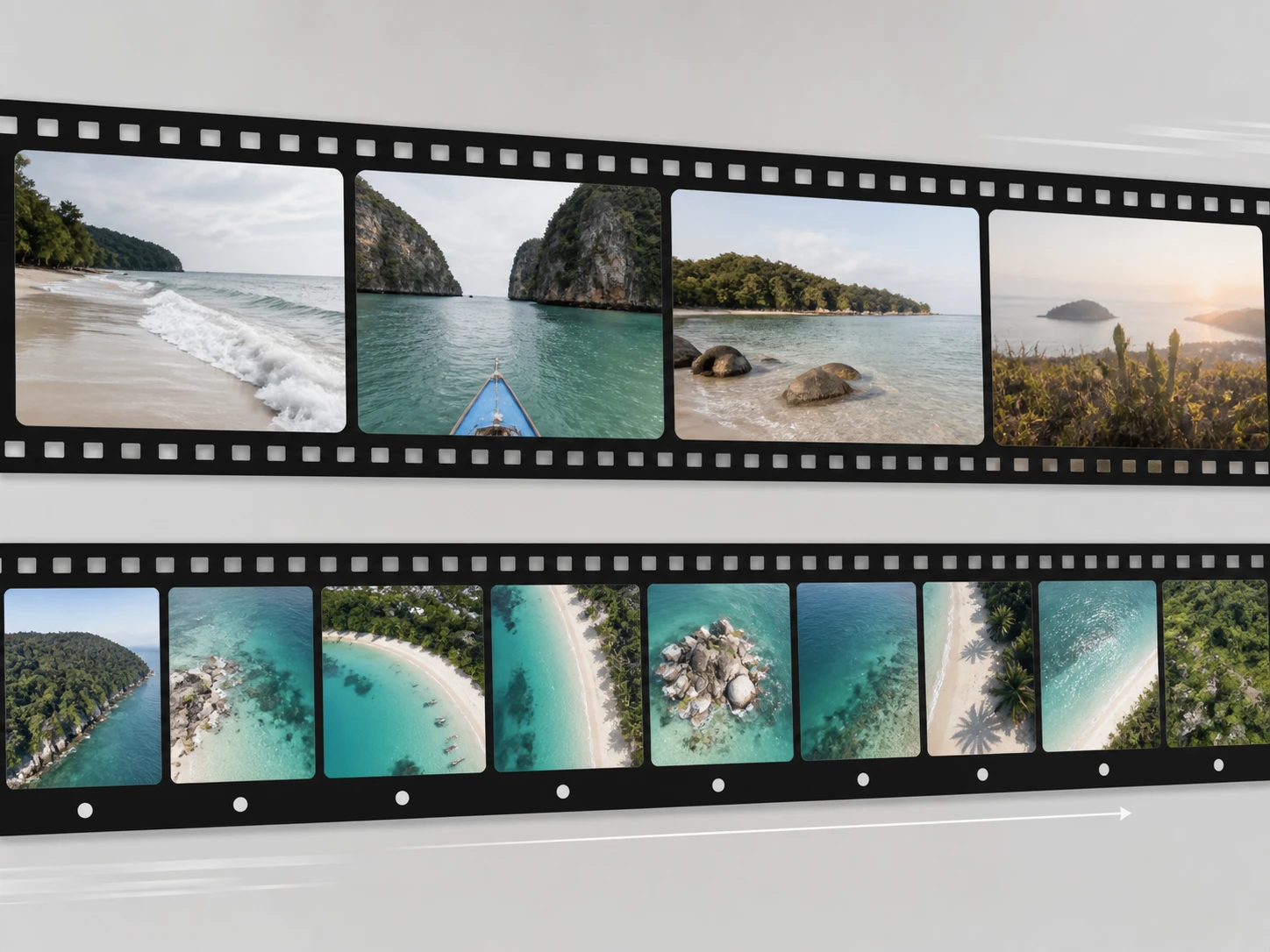
Who Holds Which Kind Of Clip
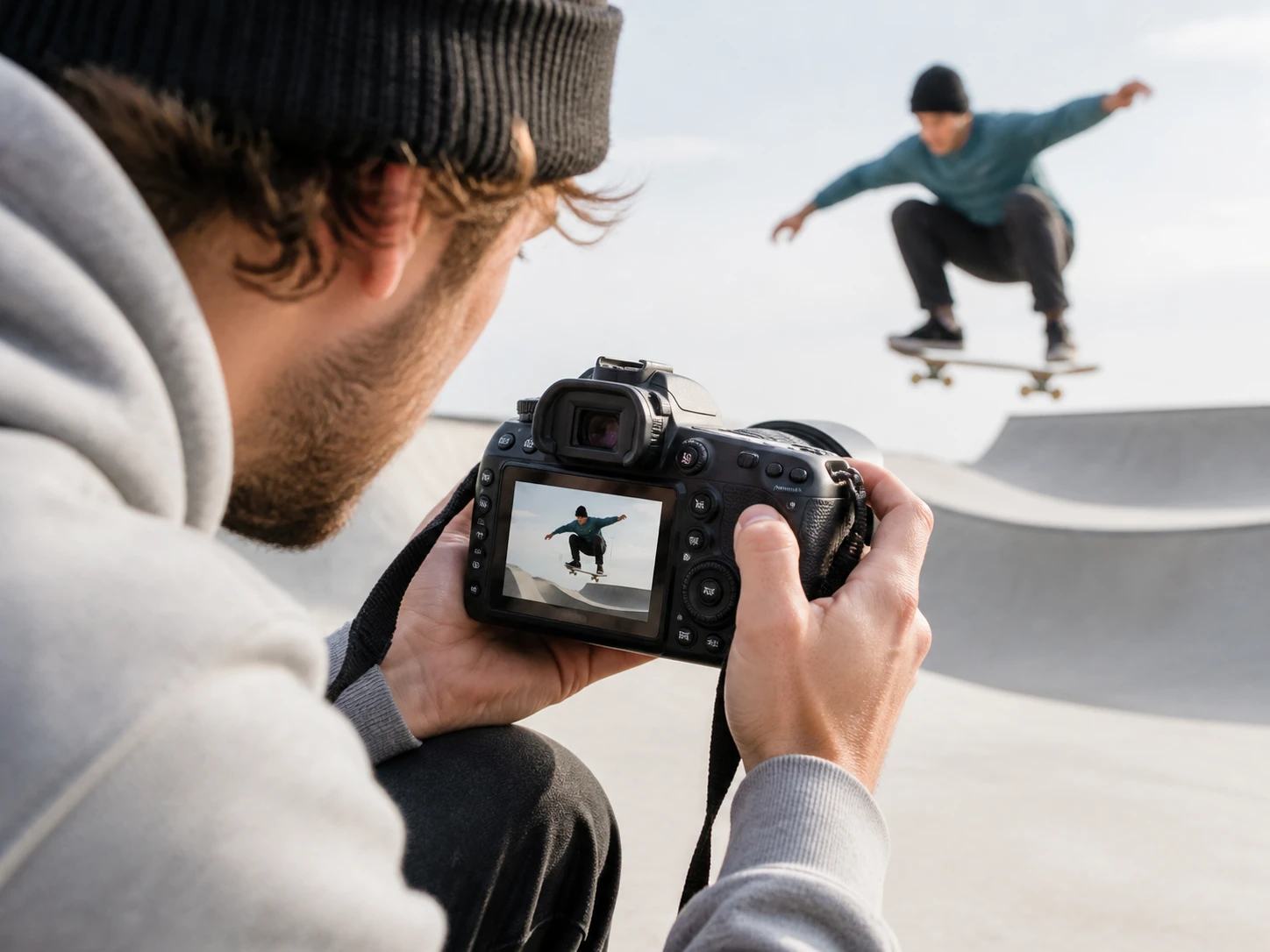
Sports and outdoor camera work
You already film with a high frame rate and a fast shutter to freeze motion, which happens to be the setup with the most room to slow down video. Most of your clips start a depth deeper than average, and a slow motion video maker fits that footage without a fight.
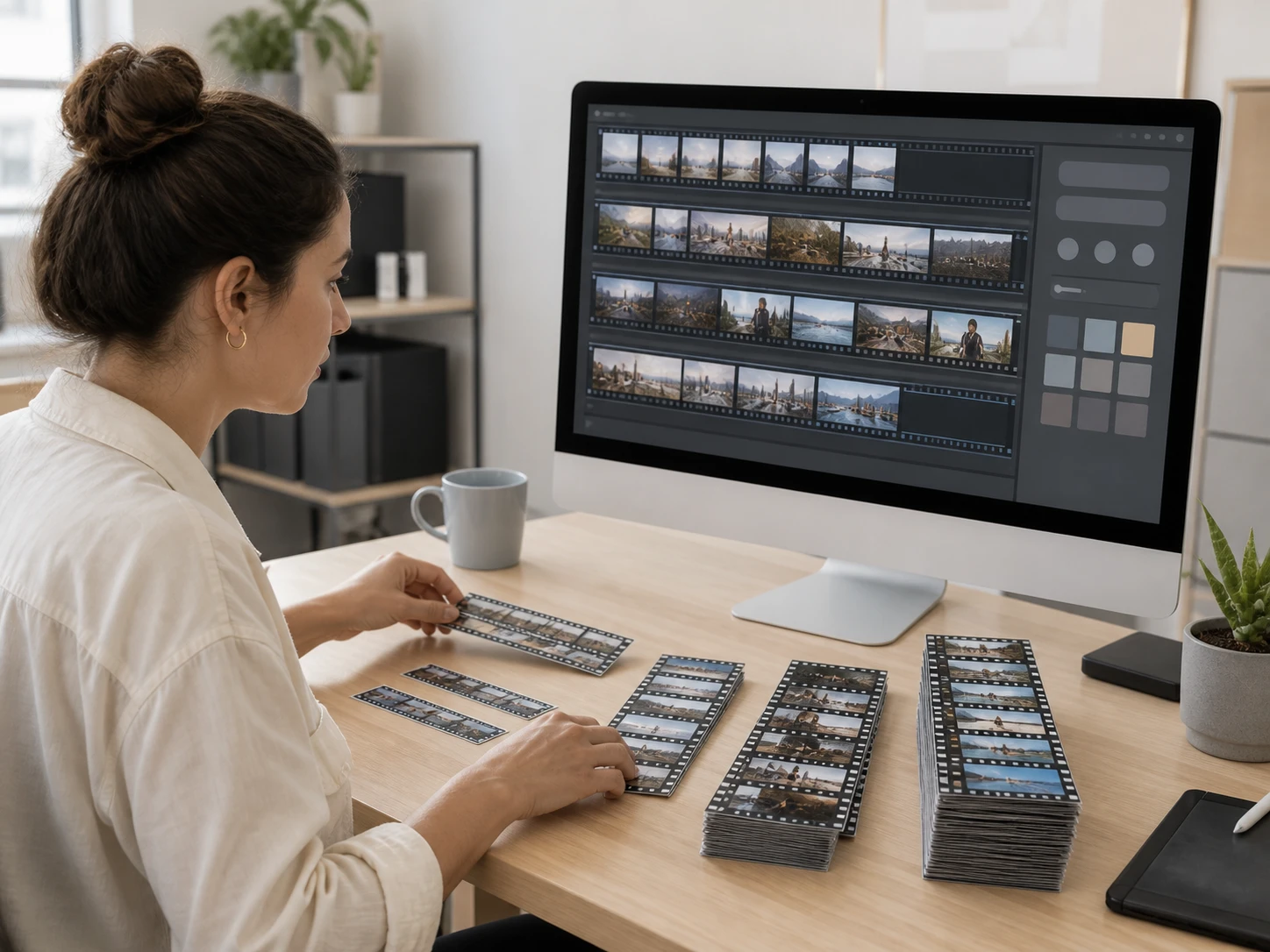
Placing archive footage in a timeline
The frame rate and shutter on archive footage were fixed years ago and you just inherit them. Sort clips by those two facts before they enter the timeline, so you know which ones handle a slow down video clip and which to route around before the schedule bites.
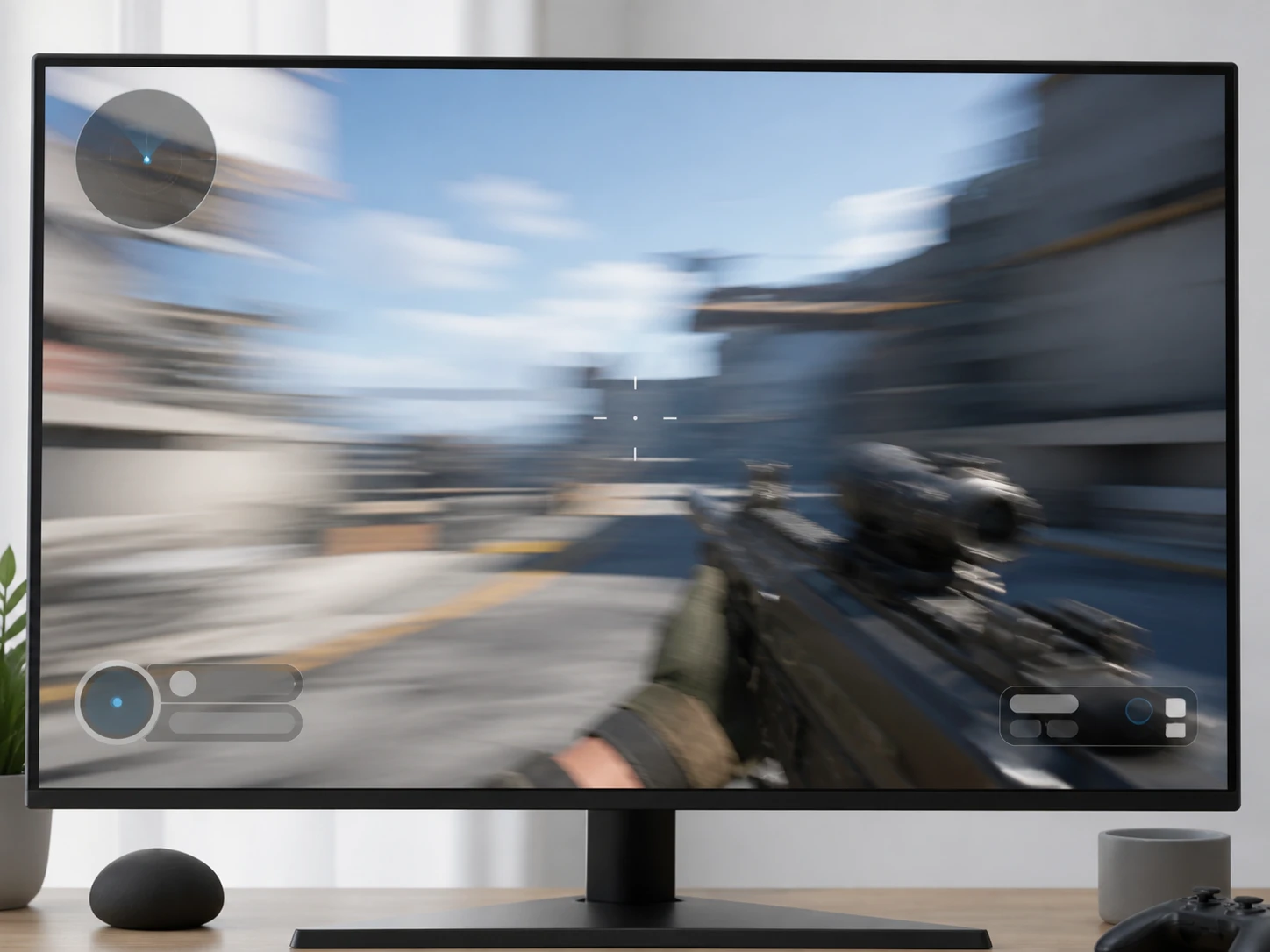
Game capture and stream replays
Screen capture records at a high frame rate with almost none of the motion blur a lens leaves, so it leaves the most room when you slow down video. The hard part is a sudden camera whip, where the two frames sit too far apart to guide an ai slow motion video between them.
How Far Slow Down Video Can Go
Each of these comes back to the clip you hand Enhancer.video.

Your Frame Rate Sets The Ceiling
The more pictures recorded each second, the less has to be filled between two frames, so a clip filmed at a high frame rate carries much further than the same move shot at ordinary speed. Drop the frame rate and that motion leans on fewer frames of evidence, which is why the answer to how much slow motion video you can pull sits with your camera, not with how you slow down video.

Baked In Motion Blur Stays
While the shutter is open, a moving object keeps traveling, so it is already a streak inside one frame, put there at capture and not because you slow down video. Building the frames in between still leans on those same blurred pictures, so the streak only spreads over more time, and how much room the clip has depends on how much clear edge is left in that blur.
Some Clips Interpolate Easily, Some Fight
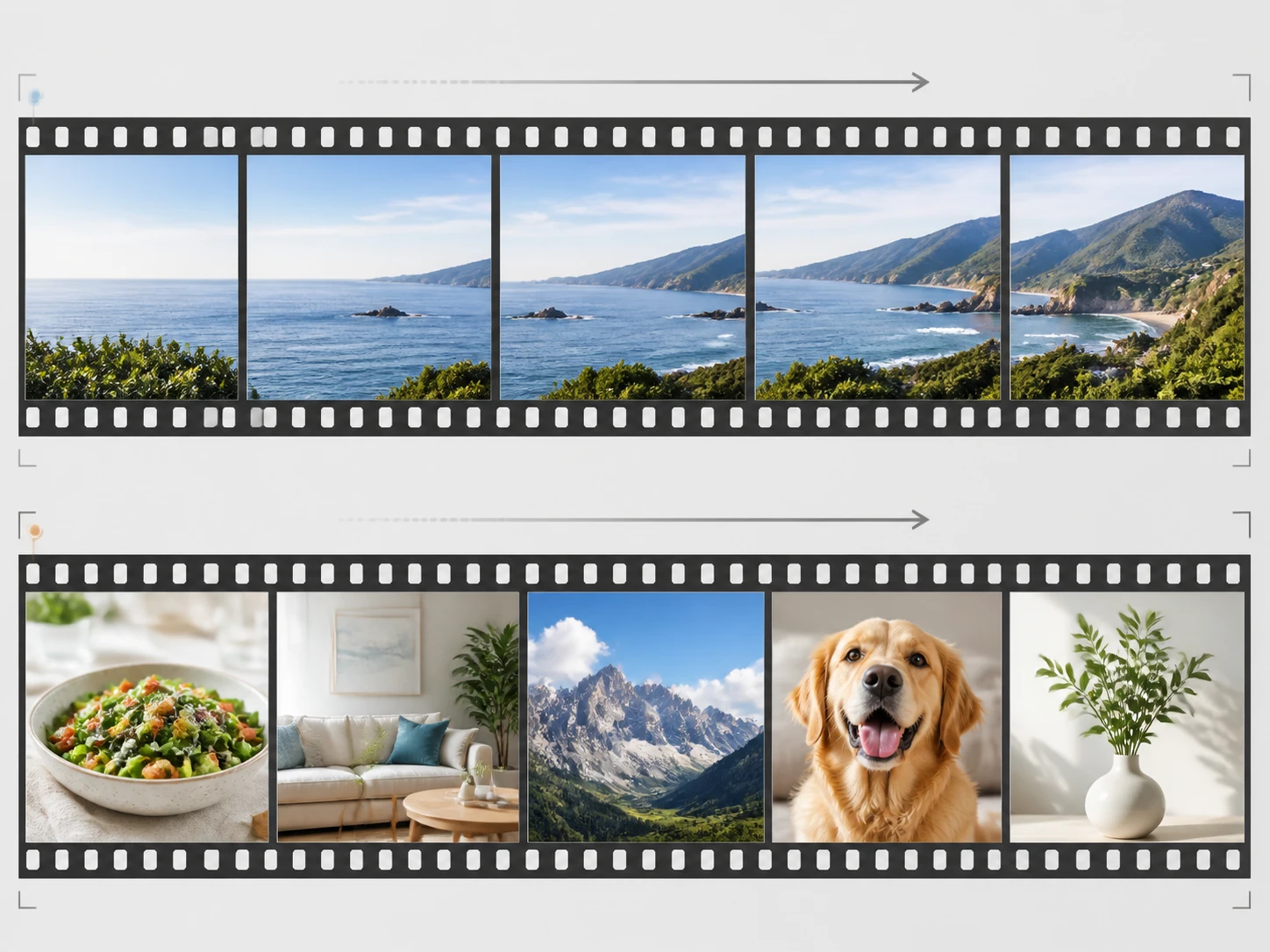
Panning shots, screen capture, and steady sports move in a smooth, predictable way, so two frames line up and the middle frame has something to go on. Fast waving limbs, people overlapping, thin objects, and sudden cuts break that link, and recognizing which side your clip falls on matters more than the depth a slow down video runs at. This is where smooth slow motion video online holds up or breaks down.
Deeper Depth Means More To Fill
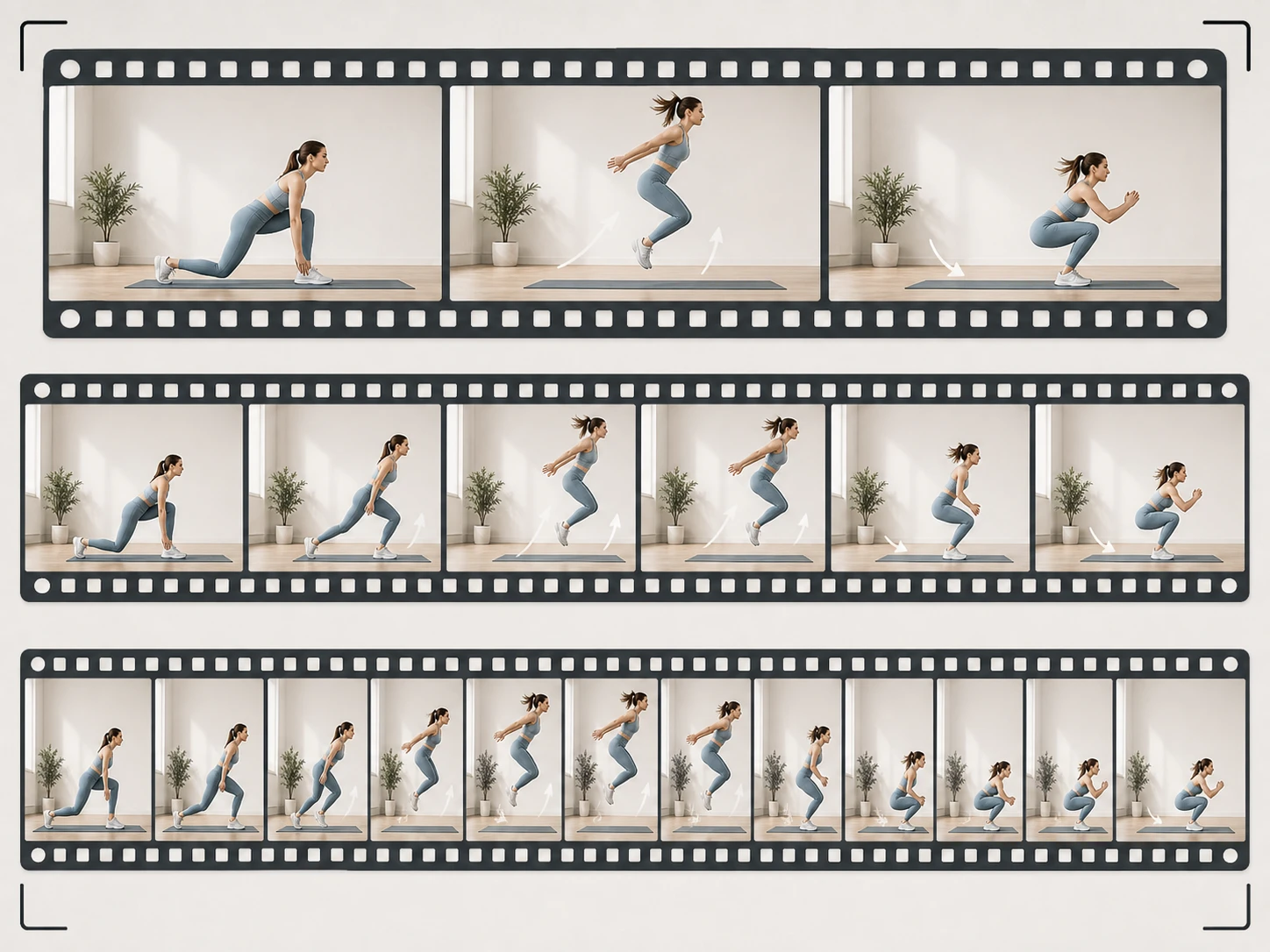
Across 2x, 4x, and 8x, each step down asks for more frames between the same two, so the demand on the source climbs with it. That makes the depth less a preference and more a question of what the clip can afford, which is the honest part of doing slow down video online.
Where A Slow Down Video Starts
Read the clip, set the depth for your slow down video, and download the result.
See how your clip was shot
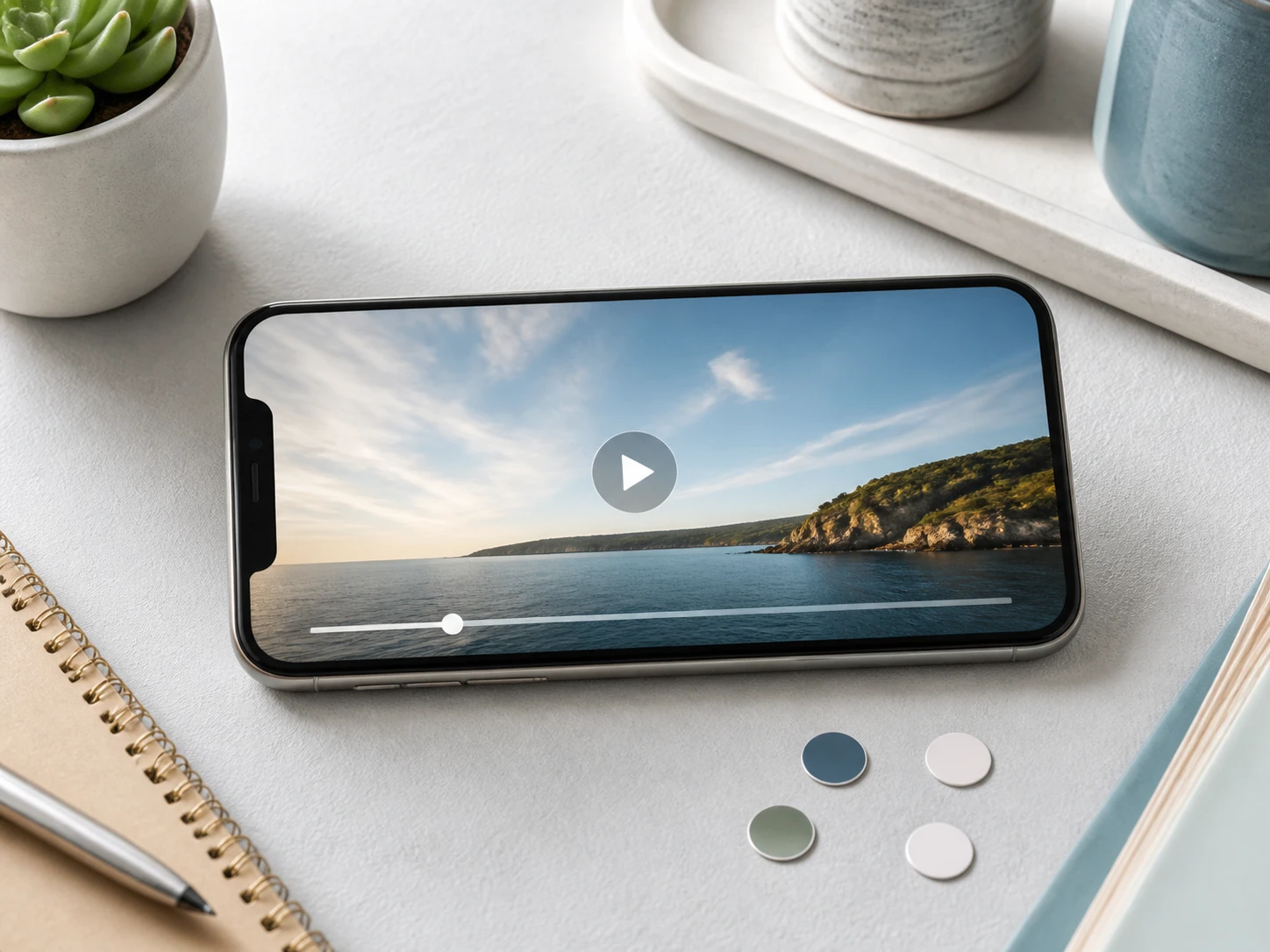
Check three things first: the frame rate you filmed at, how fast the shutter was, and whether the moving part still shows clear edges inside a single frame. Then drag it in to slow down video, MP4 or MOV, several clips at once if you like, and work right in the browser with nothing to install.
Pick a depth for the whole clip
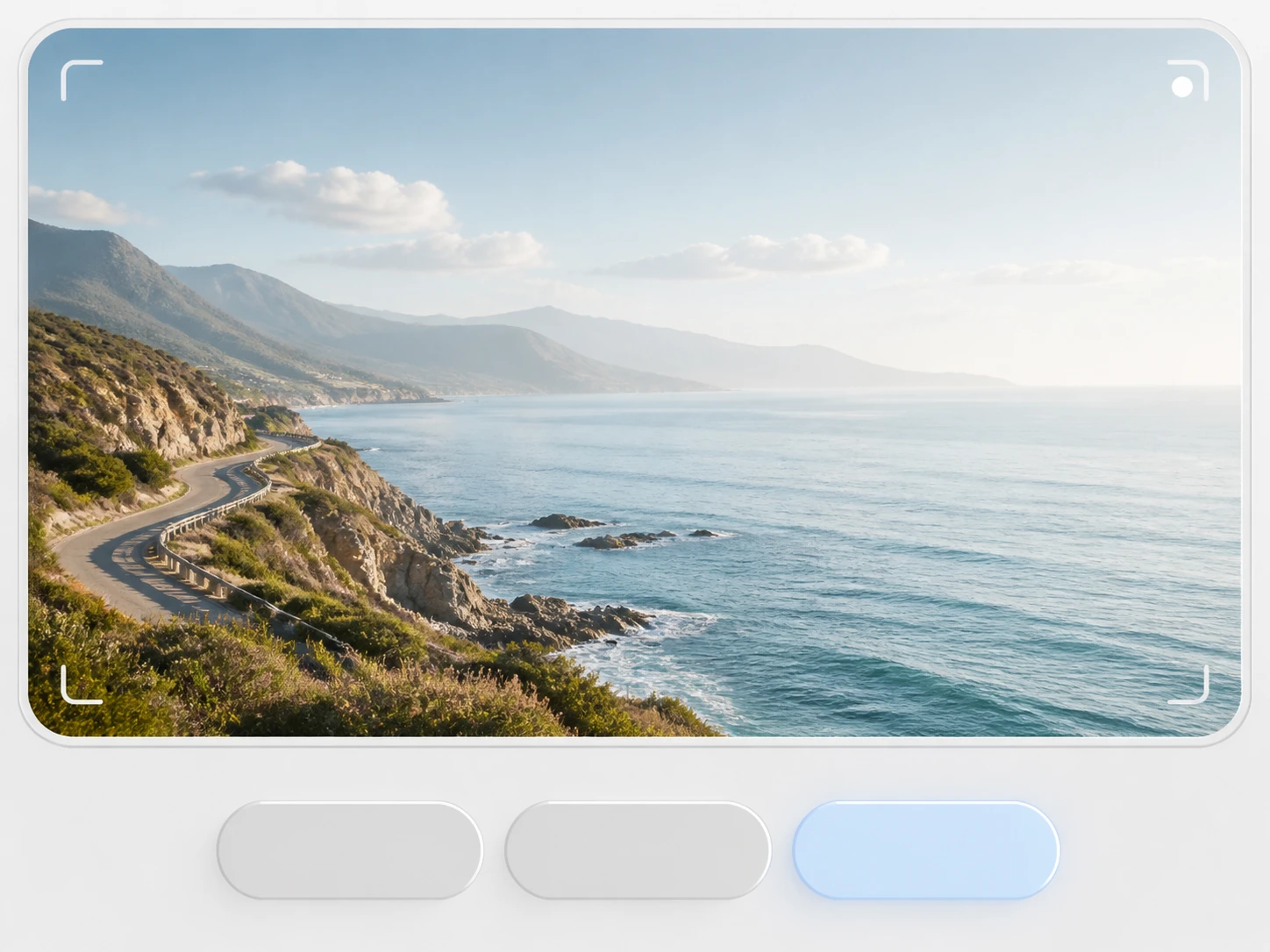
Choose 2x, 4x, or 8x, applied to the entire clip with no trimming, and either let it read your source to set a matching model and settings or pick the model or a use case yourself. Slow Down Video builds middle frames that never existed in the file, and the audio slows with the picture, so voices settle a little lower in pitch.
Download the slowed clip
Save the finished clip with no watermark, and it stays in your account to come back to. If a clip had less room than it looked, a slow shutter with motion already smeared inside each frame, step back a depth: a deep slow down video is something the source has to afford, and reading that right is not a failed attempt.
Footage That Slows Down Well
The way a clip was captured decides how far it bends.
Action Cam And Drone Grabs
To freeze fast motion, action cams and drones already shoot at a high frame rate with a quick shutter, so the edges of moving objects stay separate frame to frame. Feed that clip in and you have the most room to slow down a video cleanly, because there is little to fill between two frames.
Phone Slow Mo, Still Too Quick
You already switched on slow mo, and on playback the moment still rushes by. Files like these run at a high frame rate with light motion blur, so you can send them through frame interpolation once more and take the slow motion video further.
One Move On A Dark Stage
There is only so much light on a stage, so the shutter is forced slow, and a turn or a landing is already smeared inside a single frame. Weigh this footage before you decide how far to go, because the blur came in when it was shot, not when you slow down video.
Old Clips Dropped Into New Edits
Archive footage carries a frame rate and shutter someone set decades ago, and usually both problems stack: few frames per second and long exposure blur in every one. Sort that out before you cut it in, since this is the tightest combination for any video slow down.
Questions Before You Pick A Depth
Slow Down Video You Already Have
Start with one clip, read how it was shot, and make slow motion video from footage that is already yours, all inside Enhancer.video.